Indie App Catalog
Great apps from
independent developers.
A hand-curated catalog of 2,487 apps from 1,420 indie developers for Apple platforms. No big studios, just solo developers and small teams.
New Releases
PulseTiles
Snap Mac windows with a ⌘-drag or a shortcut
Haptiker
Trackpad-edge sliders for volume and brightness

Sunwake: Sunrise Alarm Clock
Gentle Sunrise Light, Sunset

Tiny Computers
Retro computers you can play

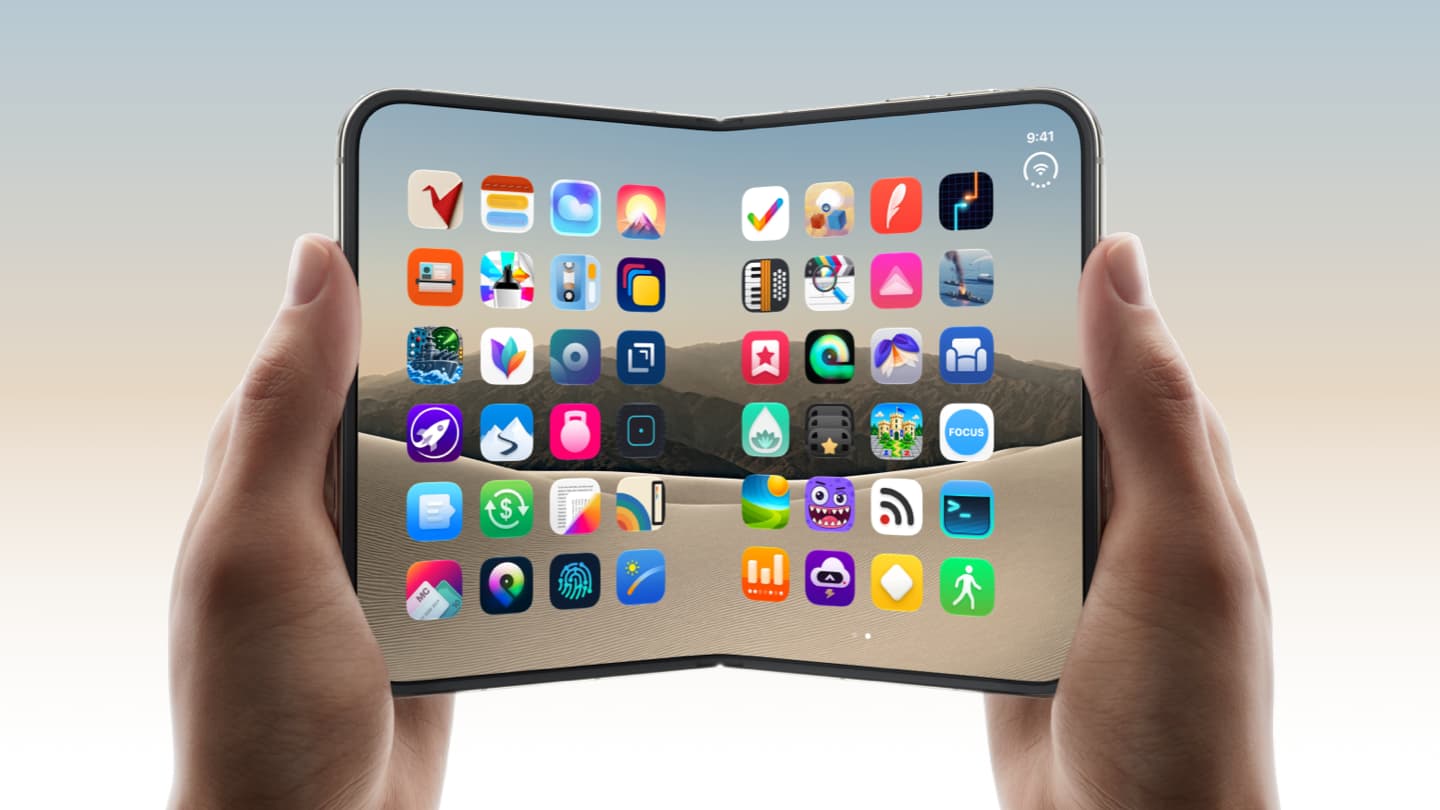
Marbles Unhinged: Folding Maze
Tilt to roll. Fold to play.
Angles: Fold & Tilt Puzzle
Geometry, Space & Architecture

ChompDuo
Silly eyes. Hungry monsters.

PianoFold - Rhythm Game
Classical songs, tile by tile

Battlefleet Duo
The classic naval board game

Phridge
Your pocket fridge
ScrolloDeck: Retro Contacts
3D Address Book Card Index
Orisuji
A maze you solve by folding

Flipcorder: Retro Camcorder
Daily video diary, unedited

Gridstorm
Neon Light-Car Battles

Lullabox
The music box in your pocket

Foldissimo – Pocket Accordion
Fold to play Accordion

Car Maintenance: Pinion
Service Tracker, MPG & Recalls

Penalty Area: Face2Face
Face the goal. For real.
Recently Added
PulseTiles
Snap Mac windows with a ⌘-drag or a shortcut
Haptiker
Trackpad-edge sliders for volume and brightness
Tiny Computers
Retro computers you can play
First Contact
Contact Sheets While You Wait
KATALOG
Music library management. Local, instant, owned.
Whisper Transcription
Voice, Speech, Audio Dictation

(Not Boring) Weather
Simple Design & Live Widgets
Leatherbound: Reading Tracker
Track books, not you.

Olean: Blood Pressure Log
Quick BP tracker with Health

HearHere: Podcast Player
A calm listening experience.
Did It
Notice what you did today

Bauhaus Clock - Analog Clock
Minimal, Bedside & Widget
Roadtrip: Gas Cost Calculator
Mileage Tracker & Plate Lookup

(Not Boring) Camera
Pro Camera with Natural Photos

Soro - For Sonos
Shortcuts For Your Speakers
Penbook: Paper Planner & Notes
Journal, Notebook & Study
Bandbreite
For watch band people.

Wisdoku: Smarter Sudoku
Train your brain daily
News
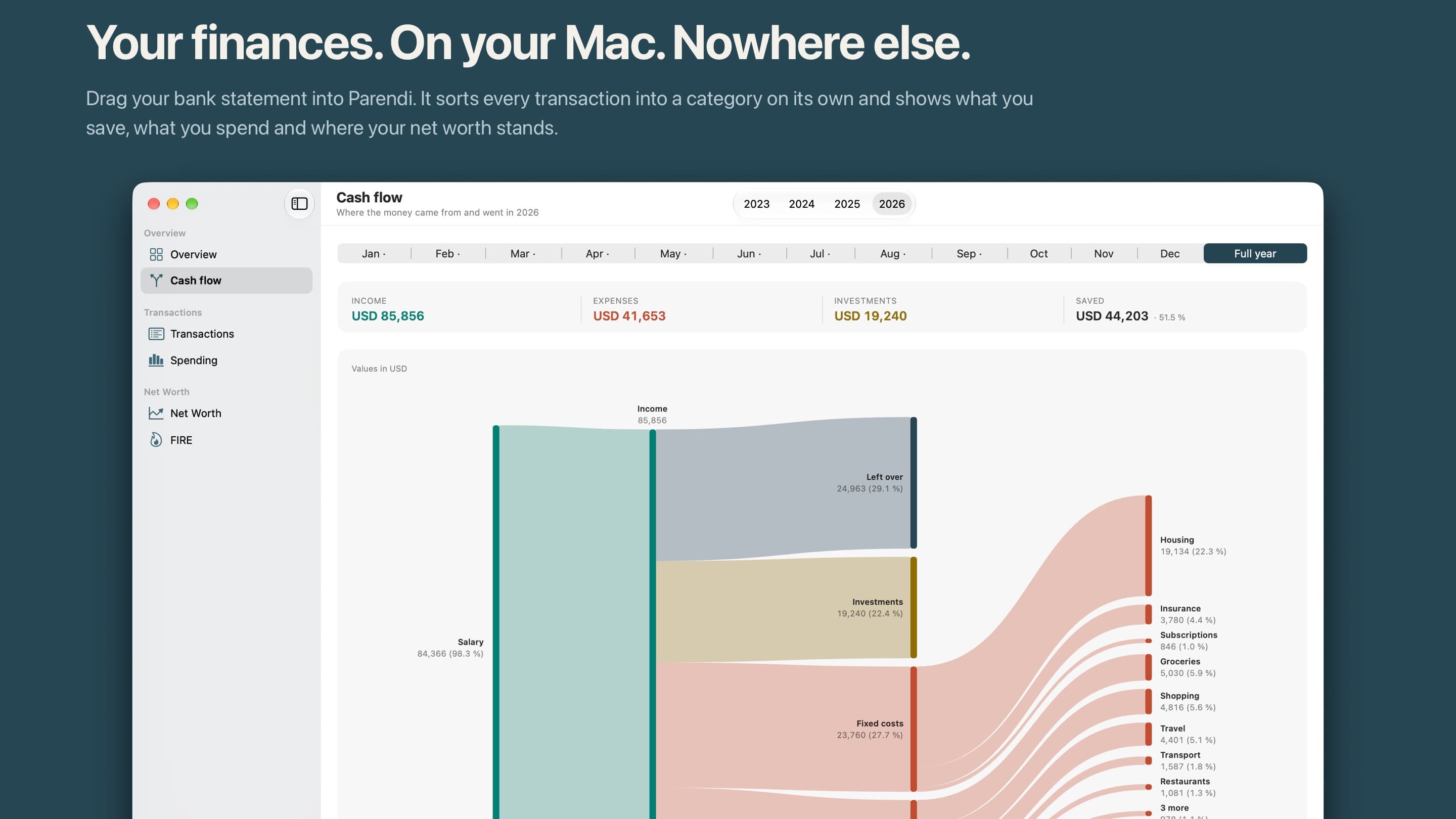
Parendi: a finance app for the Mac with no network access

A big leap for your movie watchlist: Filmlog 2026.9
Keep your Mac awake. Hide desktop icons. Focus active windows.
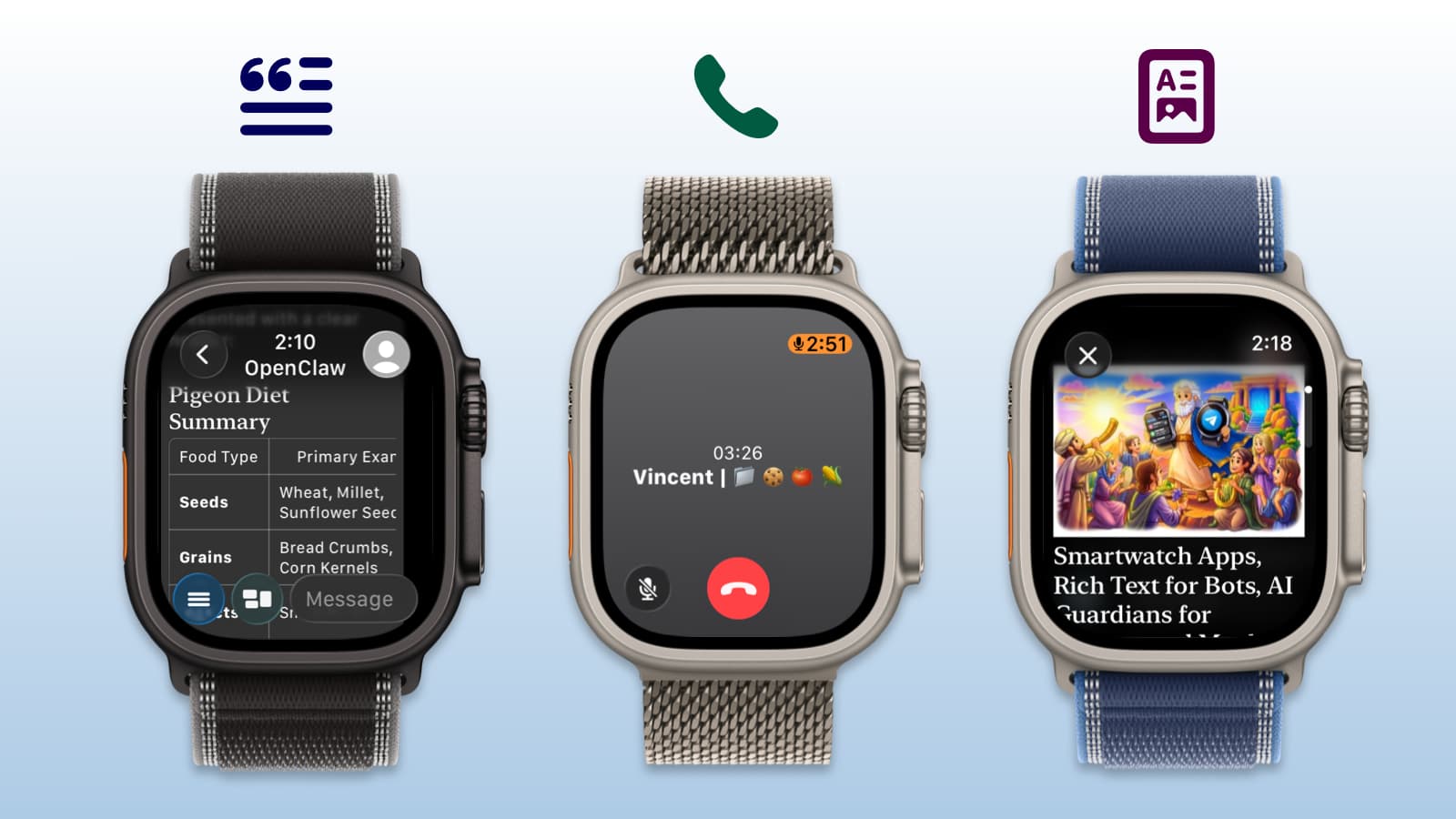
Pigeon 1.10: Telegram E2EE Voice Calls on Apple Watch
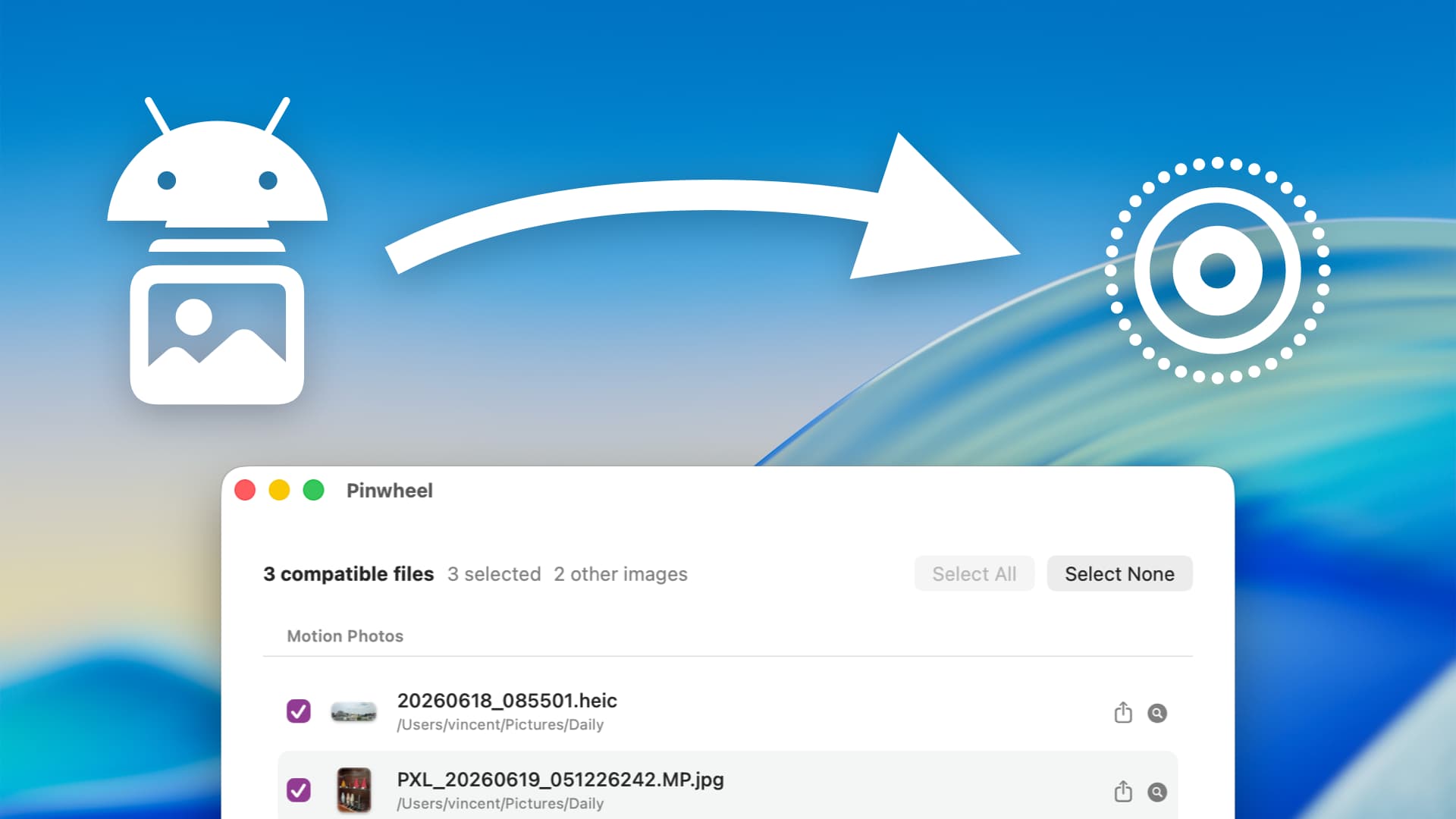
How to convert Android Motion Photos into Apple Live Photos

Whistle 2026.1: AI Workout Planner for iPhone and Apple Watch

11 PM. Open Suitcase. No Idea What I'm Forgetting.
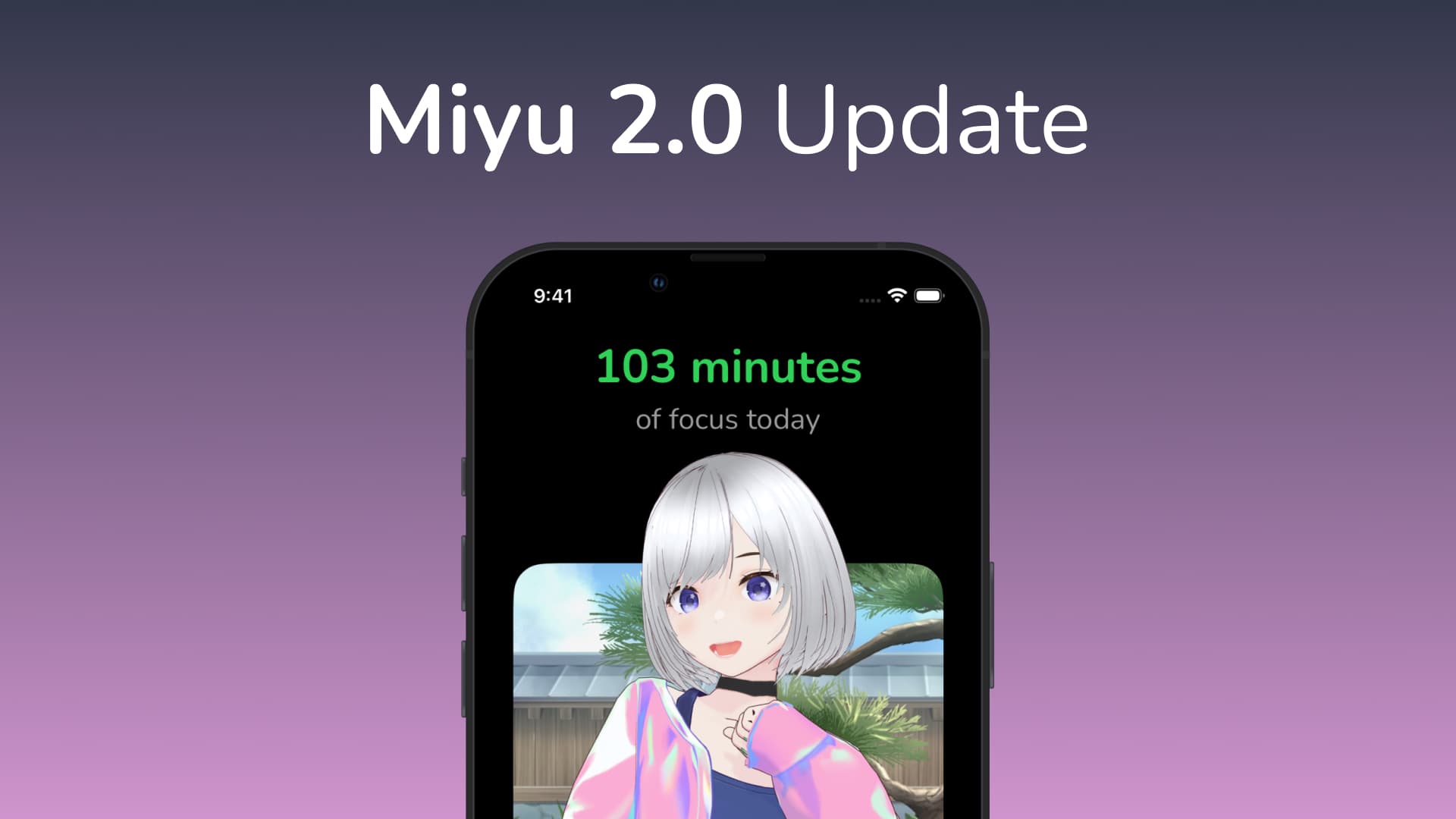
Miyu Focus Timer: New outfit, 5 new rooms, and more!
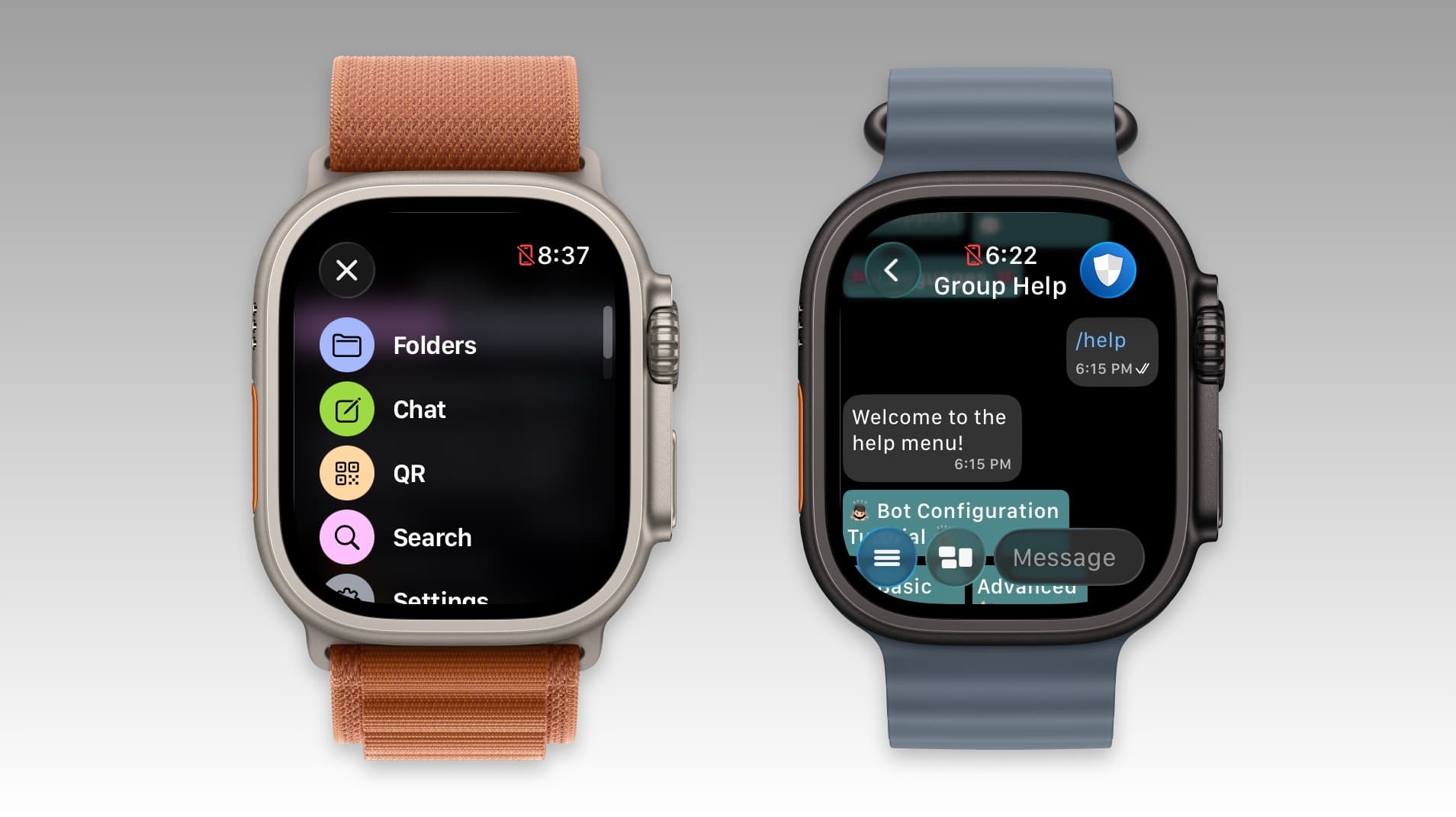
Pigeon for Telegram: Portuguese support, new menu and more.
Wrapping up 2025
Events

Bedside Clock & iPhone Duo


Hunter Moon

PRE-THANKSGIVING INTENSIVE

Spooky Album Stories

Introducing Workspaces
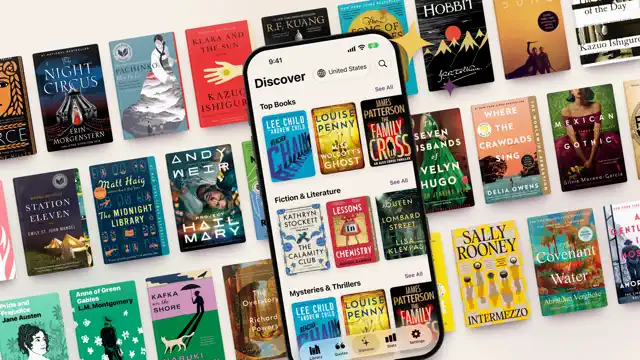
Browse thousands of books!

Halloween by Moonlight
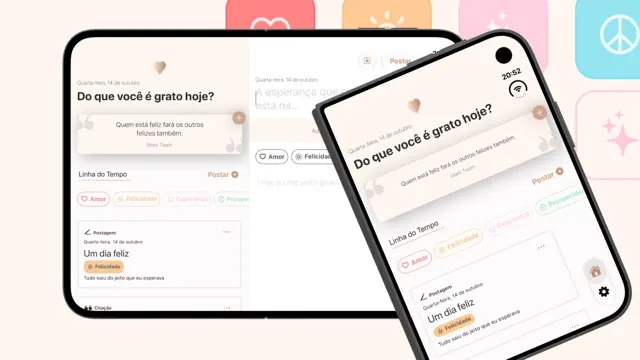
Two screens, more gratitude

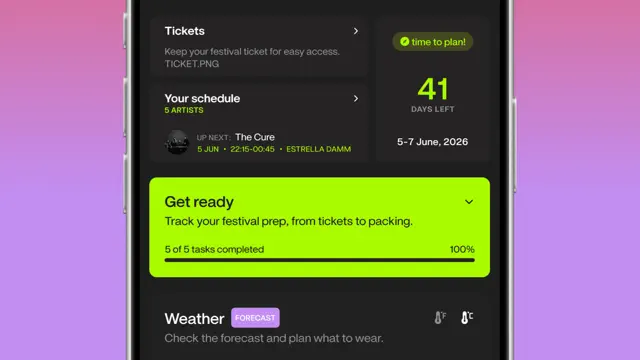
Festival Journey Tracking

No Cheat Halloween

Coming Soon

Bobara
A capybara for every boba
Pre-order · Nov 9

Brew: Better RSS Reader
Brew: Better RSS Reader

Beta

Mark - Markdown Notes
Mark is a calm Mac notes app for markdown files that already live in a folder you share with someone else — on OneDrive, iCloud Drive or in a git repo. Point Mark at that folder and you get a clean sidebar, file list and editor on top of your existing files. The files on disk stay the source of truth: properties in YAML frontmatter, links as [[wikilinks]], nothing locked into a proprietary database, so the same folder keeps working in Obsidian, Finder or Claude Code.
Beta

Artifacts: Images + Bookmarks
Artifacts is an image + link organizer app for macOS and iOS. A completely native, local first way to save all that stuff you find across the web. The items you save are saved locally and synced to all your devices privately using iCloud. There is currently a free plan for up to 50 items and then a subscription to the Pro plan to unlock unlimited items. You will not be charged during the TestFlight, so don't hesitate to subscribe to test it out. We're still figuring out the exact limits and costs of the plans. This is definitely a beta, and we have a long list of things to polish, but should be mostly stable. Please send any feedback to support@artifacts.app. Thanks for testing!
Beta

Sumi: Graph-based Outline Note
Sumi is a native outliner for Mac, iPhone and iPad that works directly on your Logseq Markdown graph: plain files in a folder you choose, or in iCloud Drive. No database migration, no account, no sync subscription. Journals, pages, links, backlinks, block references, tasks, queries, namespaces and properties work as in Logseq, and the files stay readable by Logseq, Obsidian and any text editor. This is a beta. Sumi edits your files in place, so please try it on a copy of your graph first, or start with the sample graph. Running Logseq on the same graph at the same time is not supported: close one before using the other.
Beta

Mic Captions
Mic Captions turns spoken audio into easy-to-read captions in real time. Use your iPhone or iPad microphone to follow conversations, lectures, meetings, tv shows, and other spoken content. Mic Captions can also translate captions, save sessions for later review, replay recorded audio alongside the transcript, and help you navigate saved content with Topics and Words.
Beta

The Recipe Box To Go
Your perfect kitchen companion is ready for iOS 15. Take advantage of recipe scanning, instant import improvements, and interface enhancements from the new operating system. Please test importing and note any interface oddities.
Beta

Notepad
Still to come
Beta

Snack: Bookmarks with RSS
An RSS-enabled and browser-focused bookmarking app that helps you keep track of your favorite sites. Allows users to add favorite or frequently visited sites, monitor when they have new content via RSS feeds, and quickly visit those sites. Includes an optional Safari extension to monitor when and how often you've visited your favorite sites and mark RSS items as "read" based on browser visits.
Beta

Atprosphere
Atprosphere - test Bluesky functionality.
Beta

Mythspire
Mythspire is a portrait, one-thumb survivor game with the charm of a toy box and the crunch of an arcade. You steer a hero through swarms of monsters, and your weapons fire on their own. Survive as long as you can across a thirty-minute run made of five chapters, ending in boss fights. Everything is done with one thumb: drag to steer, flick to dash, and double-tap to fire your hero's ultimate. Level up during a run to pick weapons and passives, open chests for rewards, and unlock new heroes. Each hero has its own look, starting weapon, trait and ultimate. The game is single-player, works offline, and has no accounts, purchases or ads. No login is needed. This is an early test build. Feedback is most useful on how the controls feel (steering, the flick dash, double-tap ultimate), whether the screen is readable when the crowd gets thick, difficulty, and anything that crashes, stutters or looks cut off on your phone or iPad.
Beta

Vestigo: Movie and TV Tracker
Vestigo is a personal movie and TV tracker built to help you find something to watch and remember everything you've seen. Browse trending titles, new releases, and personalized recommendations built from your watch history. When you're not sure what you want, Pick For Me guides you through a few questions and surfaces titles that fit, or use Describe It if you don't know the name. Track what you've watched, rate it, follow your episode progress, and build collections around franchises and genres. See where something is streaming, watch trailers, and explore the full cast and crew, all in one place. The more you log, the better Vestigo gets. Features • Trending, popular, new releases, and upcoming titles • Personalized recommendations based on your watch history and ratings • Pick For Me: answer a few questions and get a curated selection • Describe It: thematic search for when you don't know the name • Genre browsing and franchise collections • Watchlist and watched tracking with ratings • Episode and season progress for TV series • Streaming availability with prices and direct links • Cast, crew, trailers, and original media • Custom collections and automatic franchise grouping • Content filters, display options, and data import/export
Beta

Timee: Time Tracker
Timee is a minimalist time-tracking app that helps you stay on top of how you spend your time. Track your activities with a simple, workout-style card interface, and keep an eye on your stats over time. Please test the following: 1. Starting, pausing, and stopping timers for different activities 2. Statistics — make sure your tracked time adds up correctly 3. Edge cases — very short/long sessions, switching activities mid-timer, app backgrounded 4. General performance and any crashes Please report any bugs or feedback directly through TestFlight. Your input helps make Timee better before launch!
Beta

Trimothy
Trimothy is the Apple native, lightning fast, get-in-and-get-out video editing app of my dreams. The idea is simple: I don't want to create a whole project and library for every little video edit I need to make. Sometimes I just want to quickly combine two videos together, tweak the playback screen, change the audio or music, or add captions to a video. With Trimothy you can do all of these things, export, and then close it out leaving no trace behind. The app is, generally speaking, ephemeral (though I could add some concept of saving project files if that's something people really want.). You can add files by importing, dragging and dropping, copy and pasting, right clicking and "Open with", or from the share sheet.
Beta

iCandy - Icon Manager
iCandy is an application to allow you to organise your collection of ICNS icons. Included are a number of features to make it easy to organise and browse your collection including the ability to organise icons into sets, and sets into folders. The ability to add metadata to icons and icon sets, to search your collection of icons and to browse your collection in a number of ways including grid and list views, to view icons with a specific primary colour, assign and view by tags and more. iCandy offers both the option to save your icons to a local library, or to a library on iCloud.
Beta

Mostly Good Metrics
Mostly Good Metrics is a read-only iOS analytics companion for monitoring product performance on the go. Explore dashboard KPIs and charts, saved insights, funnels, retention, experiments, events, users, and configurable Home Screen widgets. A complete local sample account is available using the App Review instructions.
Beta

Phridge
Phridge is a little fridge that lives in your phone. Cover the door in notes, magnets and photos of your loved ones, fill the shelves with groceries, and knock things over just to hear them land. THE DOOR • Tap the pen to write a note, type it or draw on it • Tap the camera to snap a photo or pick one from your library to keep it on the fridge • Add magnets, or spell out words with letter magnets • Tap the name on the door to call your fridge whatever you like • Drag anything around, and drop it in the trash can when you're done with it THE INSIDE • Groceries, from milk cartons and fizzy drinks to ice cream tubs and a whole salmon • Pick things up and move them around the shelves • Drop them on the floor: cans pop, fizzy bottles burst, cartons splat and glass shatters MADE FOR IPHONE DUO Close your iPhone Duo to shut the door and open it to look inside.
Beta

Chong
Chong is an accountability journal for people who start projects and stall before finishing them. Every task carries a window: date, time, duration. Miss it and the app puts a short ritual in front of you before you can continue — it names which of five procrastination patterns stopped you, then walks you to the next move. You can name a witness who sees that you showed up and how much you committed, never a word of what you wrote. An AI coach reads your project state and asks the questions that expose where you are actually stuck.
Beta
Anniversaries

Being Boring
In the moment by Being Boring
13th Anniversary
Juice Watch: Battery Monitor
Battery Status & Notifications
7th Anniversary
Smart Comic Reader
Easily move between panels
6th Anniversary
MyDayWidget - Calendar Widgets
Reminder & Lock Screen Planner
5th Anniversary
Actions
Useful actions for Shortcuts
5th Anniversary
CMDKit
Global keyboard shortcuts
1st Anniversary

Simple Cocktails
Easy Home Bar Drink Recipes
1st Anniversary