
Screenshots



Description
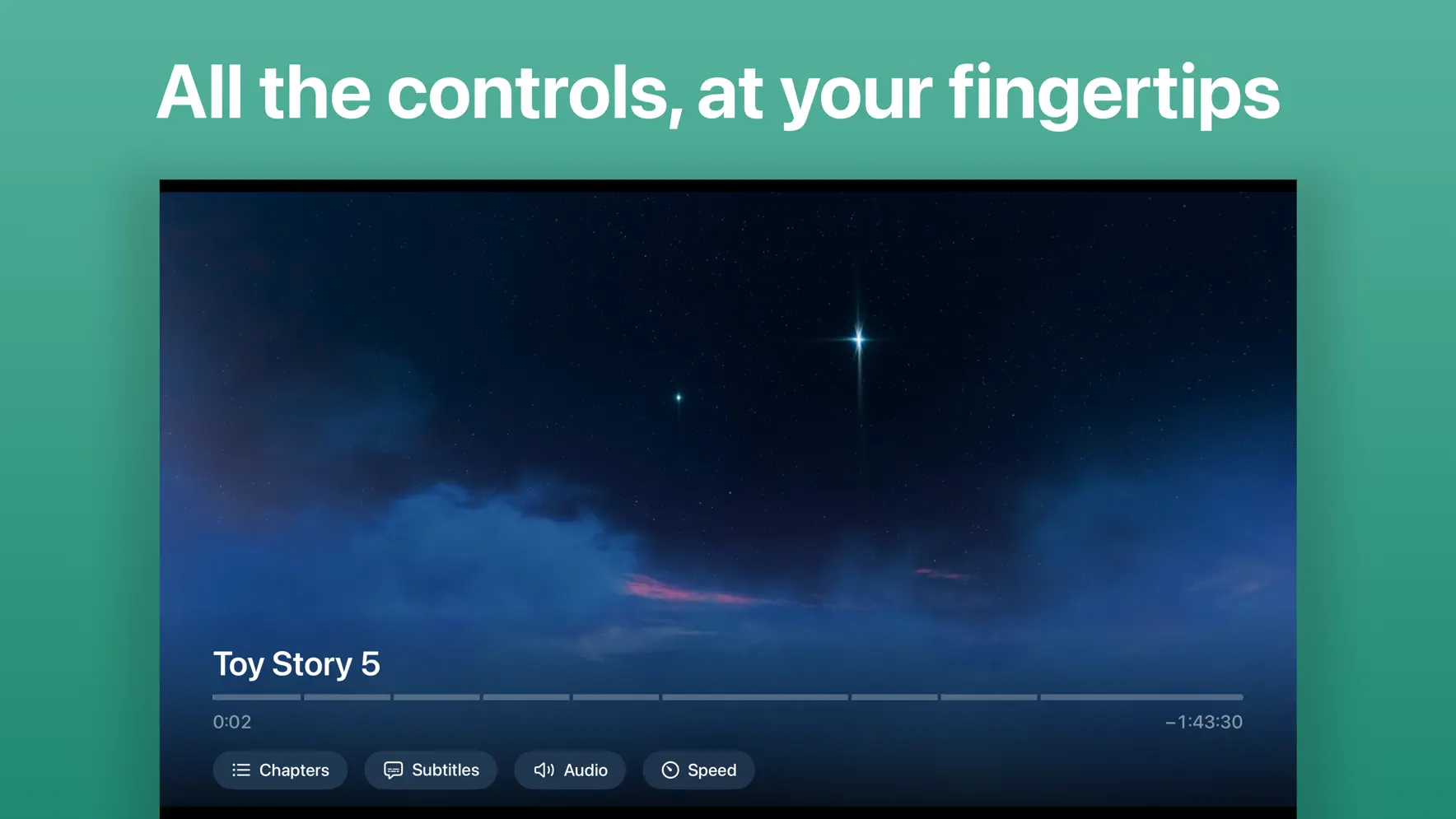
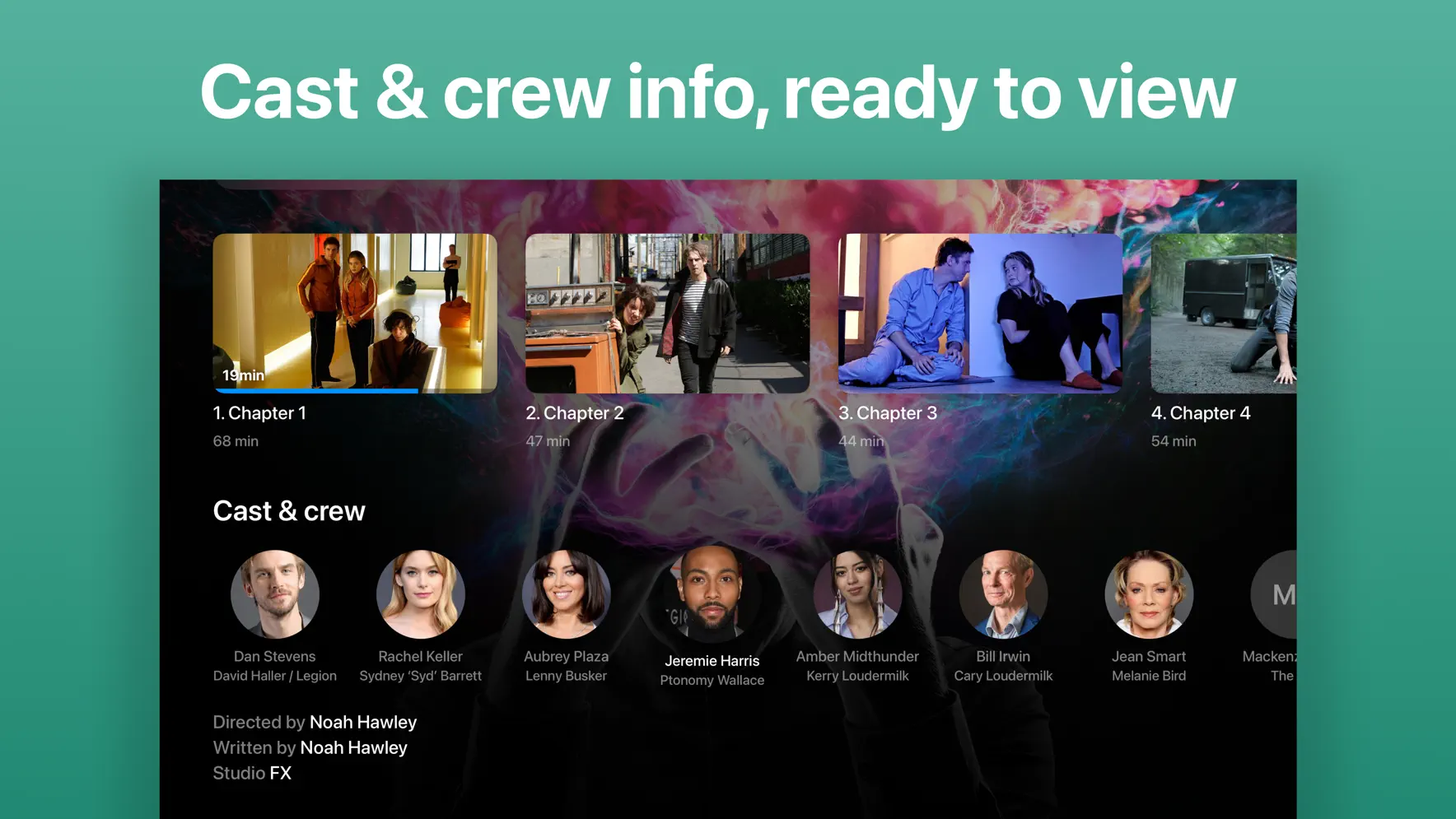
Play your Jellyfin library exactly as it was made. JellyMold has its own playback engine, so your files play directly and are never transcoded by your server. Original picture, original sound, no re-encoding, no server strain. Most clients lean on the server to re-encode anything they can't handle, which costs quality and loads your hardware. JellyMold decodes your media itself, so playback starts fast and looks and sounds the way it should, at home or over the internet. It's built for iPhone and iPad, and designed to feel like it belongs there. JellyMold is my idea of what Jellyfin should feel like on Apple devices. Fast to navigate, beautiful to watch, and built natively from the ground up. I've rethought the parts you use most, like TV show episode navigation and on-screen video setting preferences, so getting to what you want to watch takes less effort and watching it feels better. PLAYS YOUR FILES AS THEY ARE • Direct play only, never transcoded, no quality loss • Wide format support: HEVC, H.264, AV1, VC-1, MPEG-2, MPEG-4 and ProRes • Surround soundtracks with a dialogue-clear downmix — AC-3, E-AC-3, DTS, TrueHD, FLAC and AAC • Subtitles done properly: text and image-based (PGS, VOBSUB), forced subtitles, and full appearance control A REAL PLAYER • Picture in Picture that keeps playing while you move around your phone • Chapters, aspect-ratio and zoom controls, and adjustable playback speed • Audio sync adjustment for soundtracks that drift • Customisable gestures for scrubbing, skipping and playback • Skip intros and recaps, and roll straight into the next episode • Scrubbing thumbnails, generated on device even when your server has none YOUR WHOLE LIBRARY • Bring several Jellyfin servers together in one library • Continue Watching, Up Next and what's new, straight from your server • Search across everything • Download anything to watch fully offline • Lock Screen, Control Centre and CarPlay controls MADE FOR iPHONE AND iPAD • A native, adaptive layout on both • Full Dynamic Type and VoiceOver support • Output to an external display WHAT YOU NEED JellyMold is a client for Jellyfin, the free, self-hosted media server. You'll need your own Jellyfin server and account to sign in. JellyMold plays your personal library and doesn't host or provide any content itself. ABOUT US JellyMold is made by Virtue Apps, which is just me. I watch a lot on my own Jellyfin server, and I wanted an iOS app that felt as good as the content deserved. So I built it. I sweat the small details, because they're what you notice every time you press play. I respect your privacy and your time: no tracking, no clutter, no nonsense. My aim is simple. An app you're genuinely glad you paid for. I read every message. If something could be better, tell me by using the feedback link in the app. MEMBERSHIP You can view 5 pieces of media unrestricted, after which you require a subscription to continue watching. Both monthly and annual plans come with a generous free trial period to ensure you are happy to pay for the experience you get with JellyMold. PRIVACY JellyMold collects no personal data. Your library and your viewing stay between you and your server. We only want to provide you with the best possible JellyMold client experience, and we don’t need to know anything about you to do that. Privacy Policy: https://jellymold.app/privacy/ Terms of Use: https://jellymold.app/terms/
Release Notes
Subtitles and soundtracks in the car, and ratings from the sites you trust. JellyMold 1.9 rounds out Apple HomeView and CarPlay. New • Subtitles in Apple HomeView and CarPlay, in sync with the picture. Choose them with the player's subtitle button, and your last choice carries on to whatever you play next. • Switch soundtrack with the player's audio button in HomeView and CarPlay. Each video starts in your language. • HomeView and CarPlay skip intros and credits for you, following the Skip intros and Skip credits switches on your iPhone, and the next episode follows on. • Ratings on every film and series page, from the source you prefer. Your server gives Rotten Tomatoes and its viewer score, and with our free JellyMold Companion plugin you can also choose IMDb, Metacritic, TMDb, Letterboxd, Trakt and more. Pick one for all your libraries or one for each, in Settings. Improved • Clearer sound in HomeView and CarPlay, with no crackle. • Tapping a title in HomeView or CarPlay shows Starting… straight away. • Next and previous on the steering wheel go to the next and previous episode. • Stats no longer shows the JellyMold Companion advert where your server already has it, and the advert can now be closed. Fixed • Finished episodes could come back to Continue Watching with a part-filled bar after the connection dropped while you watched. • After a long pause, pressing Play could skip ahead to the next episode. • A crash when swiping to another app during playback.
• v1.9All release notes
App Details
| Size | 40.6 MB |
|---|---|
| Initial release | |
| Price | |
| Platforms | Apple TV, iPhone, and iPad |
| Languages | English |
| Category | Entertainment |
| Website | jellymold.app |
| Compatibility | |
|---|---|
| iPhone | Requires iOS 26.1 or later. |
| iPad | Requires iPadOS 26.1 or later. |
| Mac | Requires macOS 26.1 or later and a Mac with Apple M1 chip or later. |
| Apple Vision | Requires visionOS 26.1 or later. |
| Apple TV | Requires tvOS 26.1 or later. |
Similar Apps





App's data is regularly updated.
Last update: