Screenshots
Description
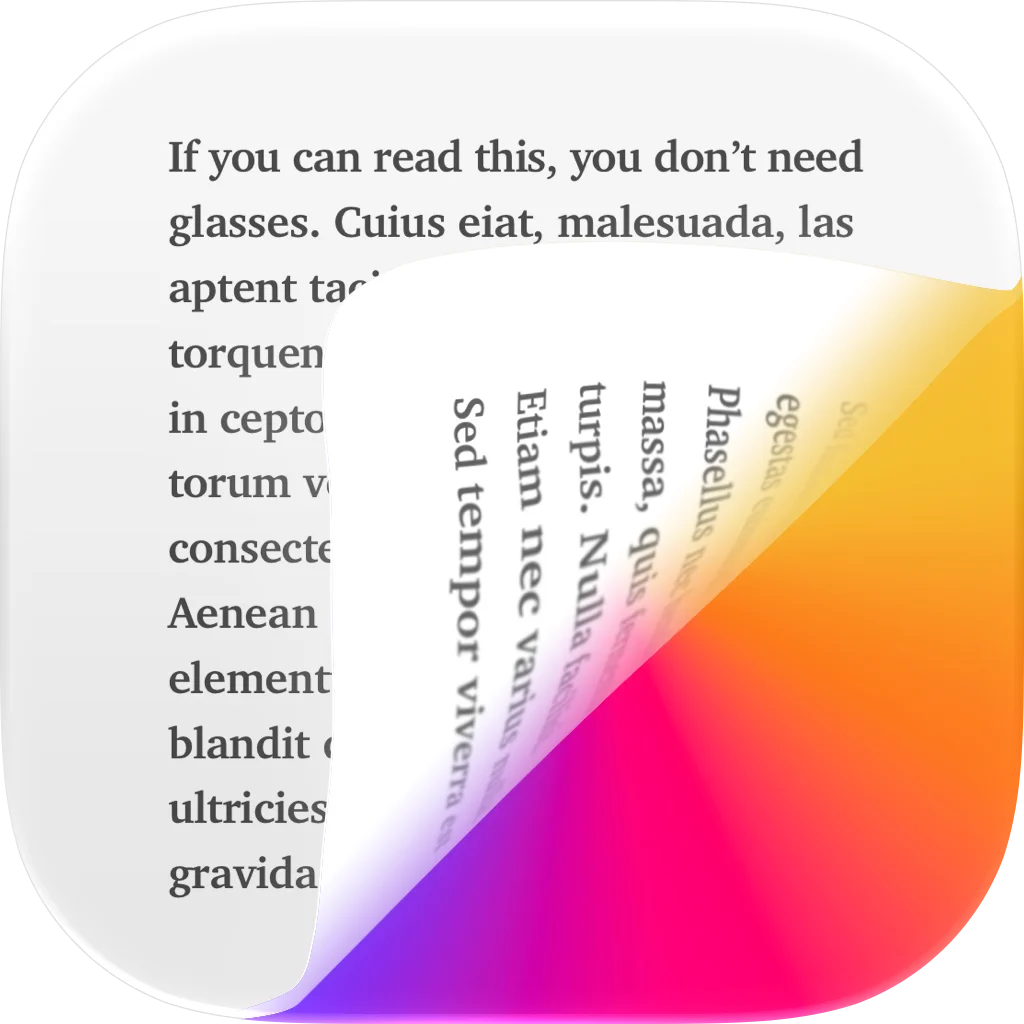
Flyleaf is a “read-later” app that displays saved articles from the web in a meticulously designed reading view, without popups, ads or other distractions. SAVE ARTICLES FROM THE WEB Use the share sheet from anywhere to save interesting links to Flyleaf. There is also an easy-to-use bookmarklet if you need it. READ LATER WITHOUT DISTRACTIONS Flyleaf takes web pages and removes everything inessential, like popups, ads and trackers, to preserve your privacy and sanity. TURN WEBSITES INTO MAGAZINE ARTICLES With Flyleaf's best-in-class book-like pagination, you can read articles page by page instead of scrolling vertically. READ IT YOUR WAY Flyleaf offers many ways to customize your reading experience, such as color themes and in-depth typography settings. DISCOVER WHAT TO READ NEXT Once your list of saved articles grows, it's easy to lose track. Flyleaf helps you to always discover fresh articles from your list. SYNC WITH ICLOUD Flyleaf uses iCloud to securely sync articles and reading progress between your devices – no additional signups needed. STAY ORGANIZED WITH TAGS You can add your own tags to articles to organize your library. READ ANYWHERE YOU GO Enjoy fully native apps for iPhone, iPad, and macOS, lovingly crafted by indie developer Max Melzer. READ IN FULL SCREEN Remove all distractions and focus on the text by entering fullscreen mode. You can still access all the controls you need through an intuitive gesture interface. LOAD ARTICLES FROM ARCHIVE.TODAY IN ONE TAP Sometimes, an article may not be available in your region or without logging in. Flyleaf lets you effortlessly access many of them from a web archive instead. AUTOMATE ACTIONS WITH SHORTCUTS AND SIRI Flyleaf offers a comprehensive list of Shortcuts actions, so you can add URLs via Siri or build Shortcuts to automatically tag articles. Flyleaf is free to use and offers an optional subscription for advanced features such as themes, tags and the archive.today integration. Privacy Policy: https://flyleafapp.com/privacy/ Terms of Use: https://flyleafapp.com/terms/
Release Notes
This update brings some pretty big design tweaks to Flyleaf, with a new sidebar on iPad and Mac (and the upcoming iPhone Duo). The new article actions view on iOS also got much easier to navigate, putting tagging, article info, and reading settings just a few swipes away. Plus, the new "Stack" pagination style makes turning pages feel way more like reading a book or a magazine, which is what Flyleaf is all about. ### New Features - iOS: Redesigned article actions view with horizontally swipable sections - All-new sidebar on larger devices - Optional "Stack" pagination style where pages appear on top of one another instead of in a continuous row - Import local PDF files into Flyleaf through the share sheet, the "open" menu or via drag-and-drop - New way to create a new tag outside of an article - New context menu entry to start a search from selected text in an article ### Improvements - Performance improvements all around thanks to some substantial rearchitecting - Improvements to tag management - "Darken bright images in dark mode" now applies to images in article lists as well - The article parser is now better at removing noise from the beginning of articles - More consistent handling of page margins - Layout tweaks for the upcoming iPhone Duo - iPad: Better status bar handling in full-screen mode - iPhone: More intuitive search bar placement ### Bug fixes - Fixed some cases where a URL added through the share sheet got corrupted - iOS multi-selection should now be more reliable - Cmd-F now reliably focuses the search field - The tag order in the share sheet now matches other tag lists - The Goodlinks importer now handles invalid URLs better
• v2.7.0All release notes
App Details
| Size | 37.1 MB |
|---|---|
| Initial release | |
| Price | |
| Platforms | Mac, iPhone, and iPad |
| Languages | English and German |
| Category | News |
| Website | flyleafapp.com |
| Compatibility | |
|---|---|
| iPhone | Requires iOS 17.0 or later. |
| iPad | Requires iPadOS 17.0 or later. |
| Mac | Requires macOS 14.0 or later. |
| Apple Vision | Requires visionOS 1.0 or later. |
More By This Developer
Similar Apps
App's data is regularly updated.
Last update: