Screenshots
Description
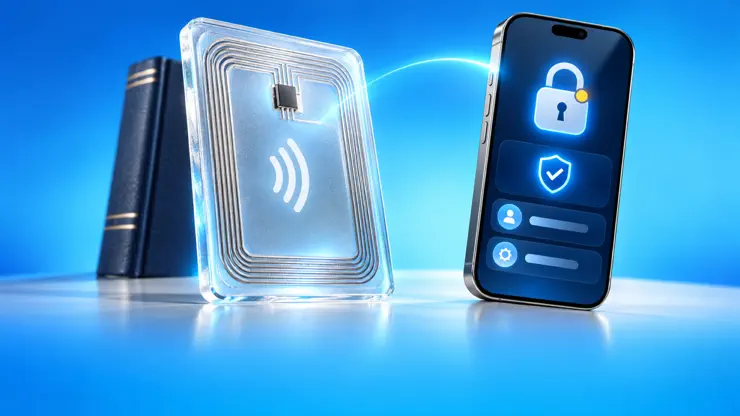
Read and write NFC tags, scan and create QR codes, digitize documents, and capture 3D models - all in one app trusted by over 9 million users. NFC READING & WRITING Read any NFC tag to see web links, Wi-Fi, contacts, locations, payment links, and more. Write your own tags with 25+ message types (text, contacts, Wi-Fi, locations, calendar events, iOS Shortcuts, FaceTime, SMS, email, social media, payments, and Google Review links) that open apps, trigger shortcuts, or connect to services like WhatsApp, Instagram, and Spotify. NFC Tools: • Format, lock, password protect, analyze, and copy tags • NTAG 424 DNA: read secure tags, verify SUN tamper-proof messages, configure keys and SDM • NFC Tap Counter: teach NFC tags how to count • Batch Operations: write multiple tags sequentially, import from CSV/Excel • Custom Commands: send raw hex commands for advanced tag manipulation NFC Apps: • Passport & ID: read your passport or ID chip to view the stored personal data and photo • Sonicare Reset: read your Philips Sonicare brush head usage stats and reset its timer • Amiibo: scan to reveal the character with official artwork, build your collection, and back it up • OpenPrintTag: store 3D printing filament info on spools for automatic material detection • NFC Safe: store encrypted secrets on tags with 256-bit AES encryption QR CODE & BARCODE SCANNER • Scan any QR code or barcode with batch mode, plus a share extension to detect codes in your photos. • Create custom QR codes for all the same message types as NFC. • Design them with your own colors, logos, and Genmoji, and add them to home screen widgets. Supported formats: QR, Aztec, Code128, PDF417, DataMatrix, EAN, and 15+ other barcode types. DOCUMENT SCANNER • Capture documents with automatic edge detection and on-device OCR. • Import images from your photo library or files. • Save as searchable PDFs with full-text search. • Export to iCloud or share directly. 3D OBJECT & ROOM SCANNER • Scan objects into 3D models using photogrammetry. • Scan rooms with LiDAR to generate floor plans, detecting doors, windows, and furniture. • Measure dimensions and calculate floor area. • Export for 3D printing and CAD applications. Requires: iPhone with LiDAR sensor (iPhone 12 Pro and newer) AUTOMATION & INTEGRATION • Webhooks: send scan data to your server for inventory or custom integrations • iOS Shortcuts: launch scans via Siri, access scan history, write tags through automation • Widgets: quick-launch scanning from home screen, lock screen, or Control Center • Auto-Actions: open links, run shortcuts, play audio, or trigger text-to-speech when scanning tags CUSTOMIZATION Choose from multiple themes and icons, text-to-speech voices in 40+ languages, and Game Center achievements. Note: NFC functionality requires iPhone 7 or newer. iPhones read NFC but not all RFID frequencies. NFC.cool is in no way affiliated with Nintendo or Philips. Amiibo is a registered trademark by Nintendo and Sonicare is a registered trademark by Philips. These functions in NFC.cool are for educational purposes only. Terms of Use: https://www.apple.com/legal/internet-services/itunes/dev/stdeula/
Release Notes
App Details
| Size | 126.1 MB |
|---|---|
| Initial release | |
| Price | |
| Platforms | iPhone and iPad |
| Languages | Arabic, Bulgarian, Catalan, Croatian, Czech, Danish, Dutch, English, and 27 more |
| Category | Utilities |
| Website | nfc.cool |
| Compatibility | |
|---|---|
| iPhone | Requires iOS 17.0 or later. |
| iPad | Requires iPadOS 17.0 or later. |
| Mac | Requires macOS 14.0 or later and a Mac with Apple M1 chip or later. |
More By This Developer
App's data is regularly updated.
Last update: