Screenshots



Description
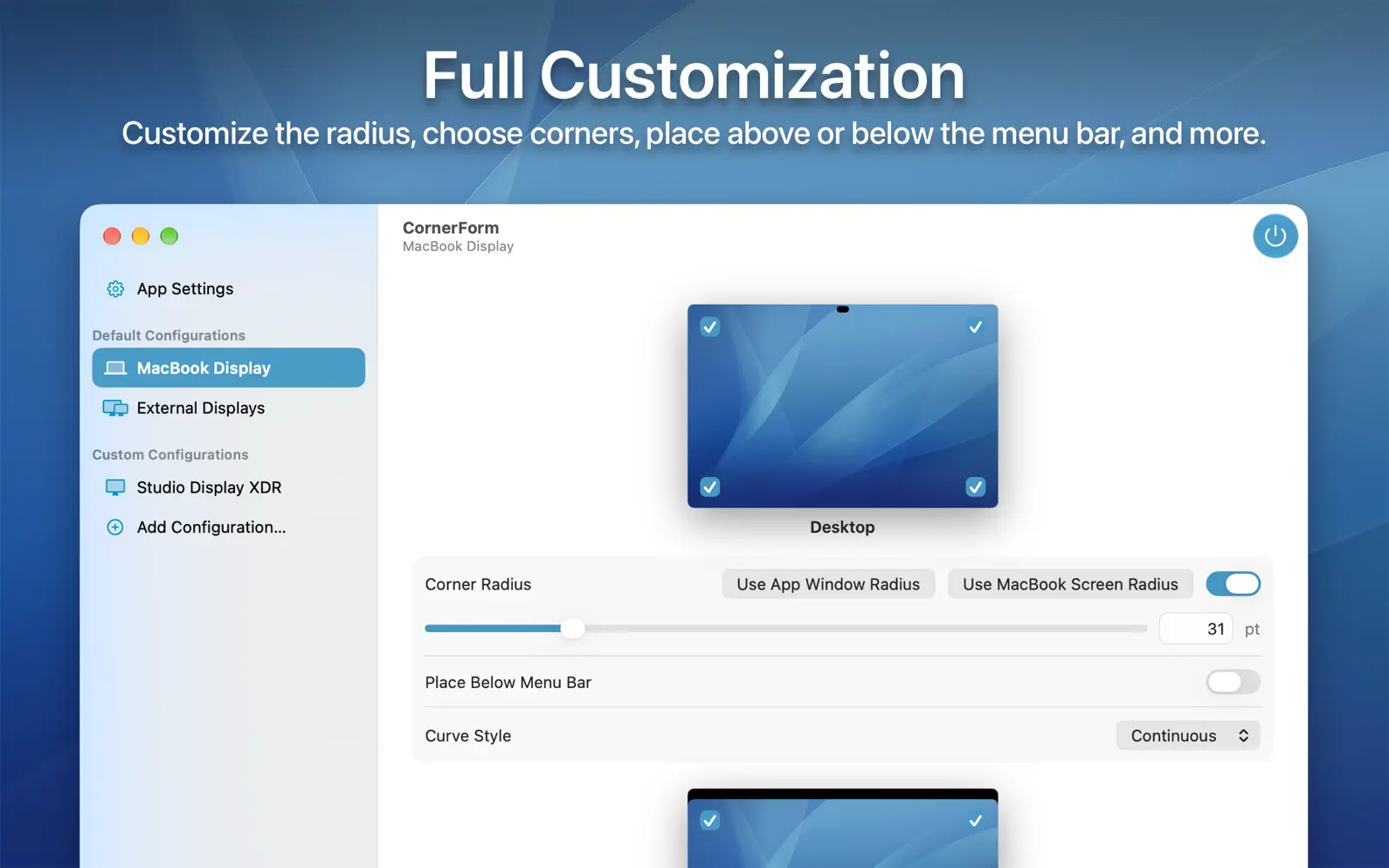
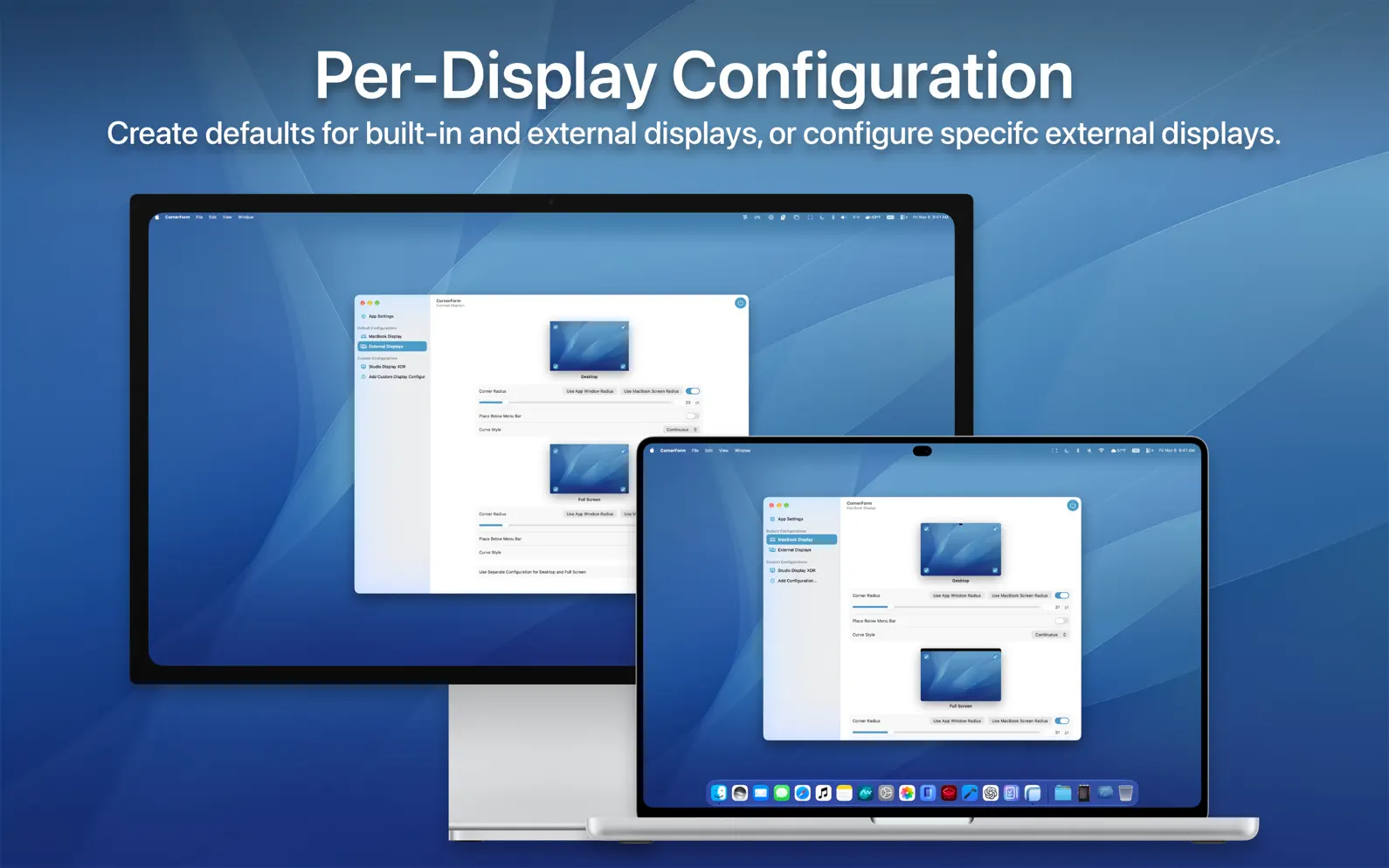
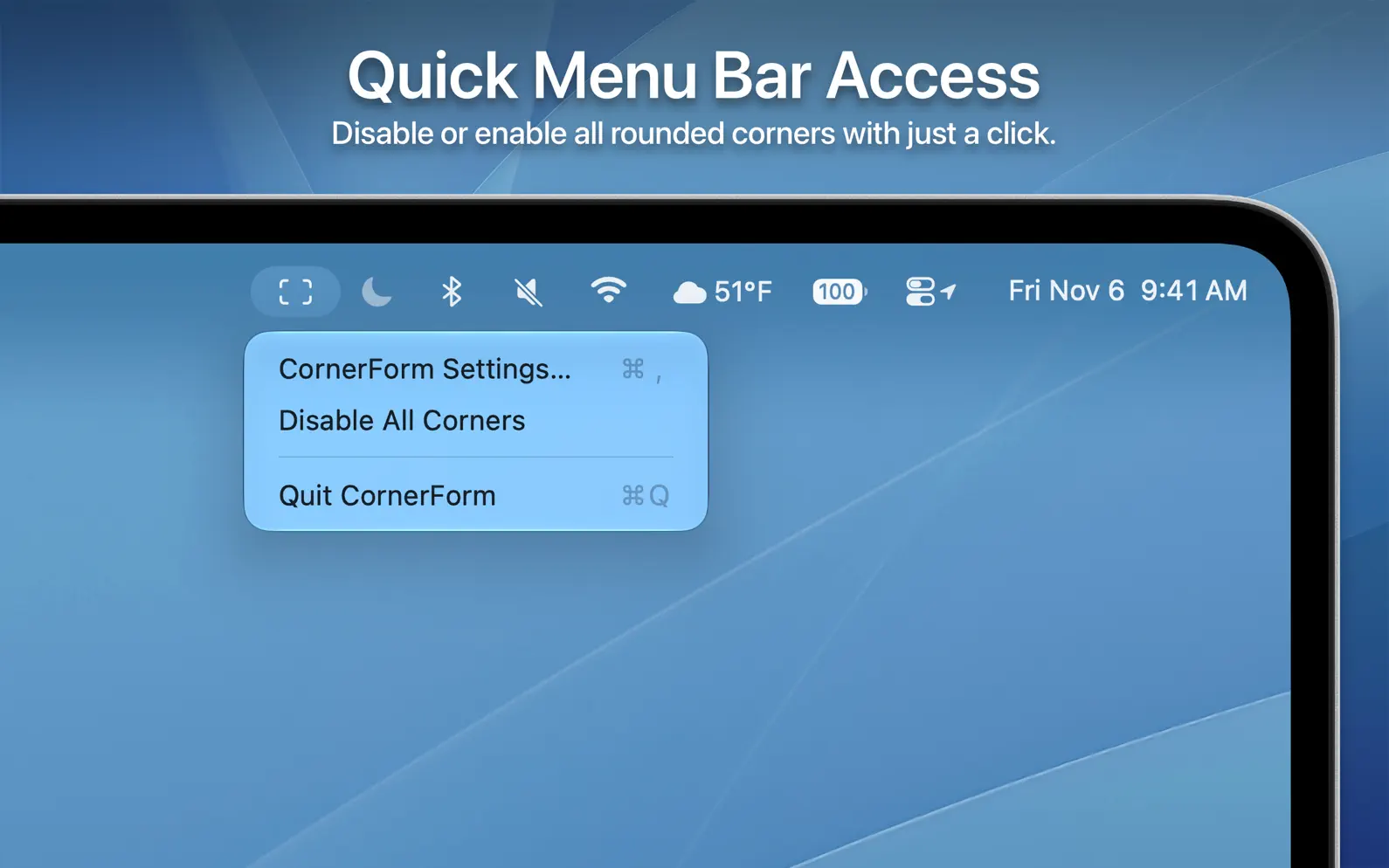
CornerForm is a simple but powerful app that adds highly customizable rounded corners to your Mac display. While it works with any Mac and any display, it is particularly great for MacBook displays that have rounded corners. FULL CUSTOMIZATION CornerForm features numerous customization options: - Choose any value for the curve radius - Enable or disable specific corners - Place the corners over or below the Menu Bar - Separate configurations for desktop and full screen - Continuous or circular corner formulas DESKTOP AND FULL SCREEN CONFIGURATIONS When using an app in full screen on MacBook Pro or MacBook Air, the area around the notch or Dynamic Island is blacked out, unlike on the Desktop. So, CornerForm lets you create separate configurations for desktop and full screen. For example, you can choose to decrease the corner radius and put the corners below the Menu Bar only in full screen. Or, you can disable the corners in full screen altogether. CUSTOM CONFIGURATIONS FOR EVERY DISPLAY On a MacBook, CornerForm supports setting default configurations for the built-in display and external displays. And on any Mac, you can add specific monitors and displays that will retain their own individual configuration between connections. QUICK MENU BAR ACCESS CornerForm has quick access options in a Menu Bar extra, such as disabling all curved corners with just a click. USEFUL PRESETS CornerForm features multiple useful presets to match the corners to your device: - MacBook Pro with PROLED XDR Display - MacBook Pro with notch - MacBook Air with notch - MacBook Neo - App window radius 100% FREE CornerForm is completely free with no In-App Purchases, subscriptions, or ads! Oh yeah… and the corners don’t show up in screenshots :)
Release Notes
No release notes found
App Details
| Size | 2.9 MB |
|---|---|
| Initial release | |
| Price | Free |
| Platforms | Mac |
| Category | Utilities |
| Website | sunapps.org/cornerform |
| Compatibility | |
|---|---|
| Mac | Requires macOS 14.0 or later. |
More By This Developer

Similar Apps


App's data is regularly updated.
Last update: