Screenshots
Description
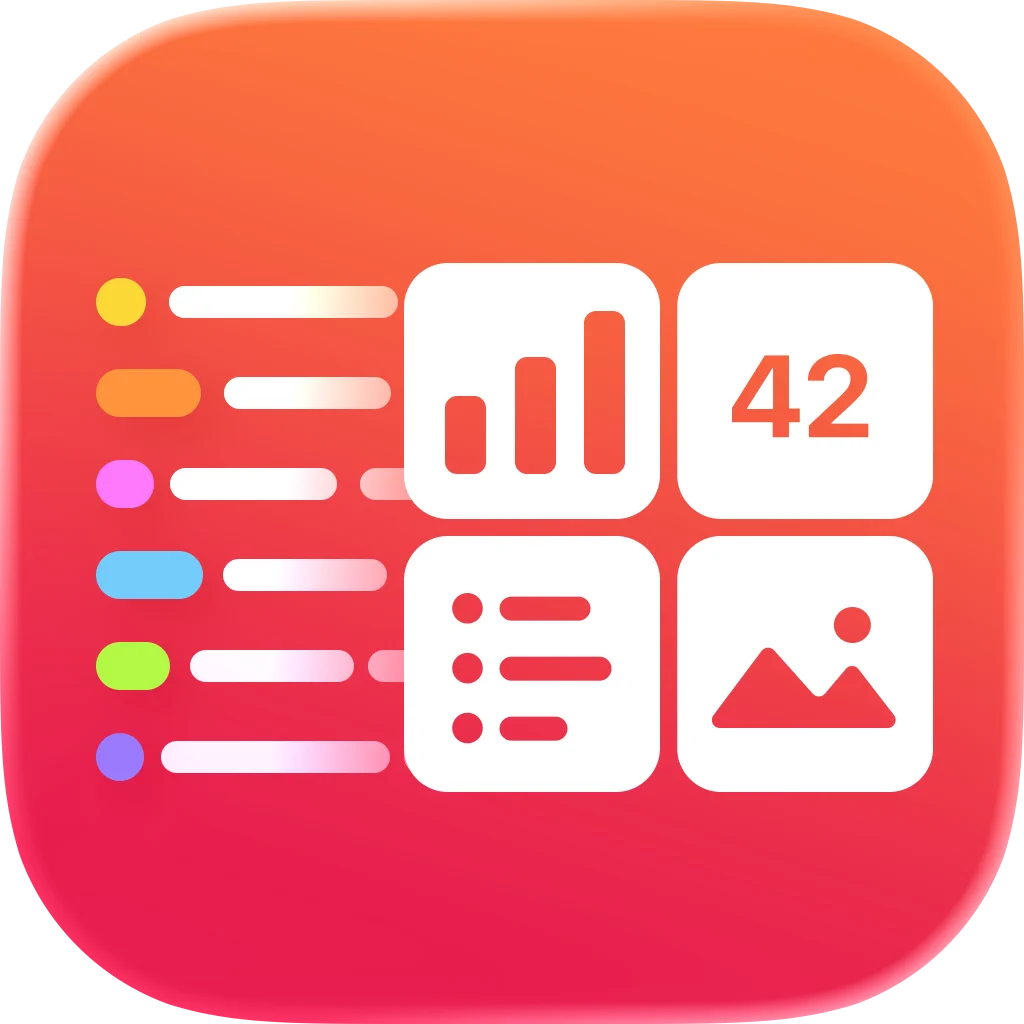
# Put any data on your Home Screen. Dashlet lets you build beautiful widgets from almost any online data source. Display weather, scenic webcams, Home Assistant sensors, RSS feeds, server dashboards, solar production, package tracking, satellite positions, and much more; all on your Home Screen, Lock Screen, and Apple Watch. No coding. No accounts. No cloud. # Connect almost anything • HTTPS endpoints • JSON, XML/RSS and images • Bearer tokens, Basic Authentication and custom headers • Secure Keychain storage # Build widgets visually Browse your response, pick the fields you want, and map them into widgets with an intuitive visual editor. No JSON paths or scripting required. # Multiple widget types • Value • Dashboard • List • Image • Image + Text • Carousel • Charts and Gauges • Maps # Designed for power users Perfect for: • Home Assistant • Scenic webcams • Photo feeds • Weather • Solar monitoring • Server monitoring • RSS feeds • Package tracking • Satellite tracking • Smart homes • Personal dashboards # Always available Dashlet caches your latest data so widgets continue working even when you're offline. # Know when something changes View request history, response times, success rates and endpoint health to quickly diagnose problems. ---- Terms of Service: https://getdashlet.app/terms Privacy Policy: https://getdashlet.app/privacy Terms of Use (Apple Standard EULA): https://www.apple.com/legal/internet-services/itunes/dev/stdeula/
Release Notes
App Details
| Size | 17.5 MB |
|---|---|
| Initial release | |
| Price | |
| Platforms | Apple Watch, iPhone, and iPad |
| Languages | English, French, German, Italian, Portuguese, Chinese, and Spanish |
| Category | Utilities |
| Website | getdashlet.app |
| Compatibility | |
|---|---|
| iPhone | Requires iOS 18.0 or later. |
| iPad | Requires iPadOS 18.0 or later. |
| Apple Watch | Requires watchOS 10.6 or later. |
More By This Developer
App's data is regularly updated.
Last update: