Screenshots
Description
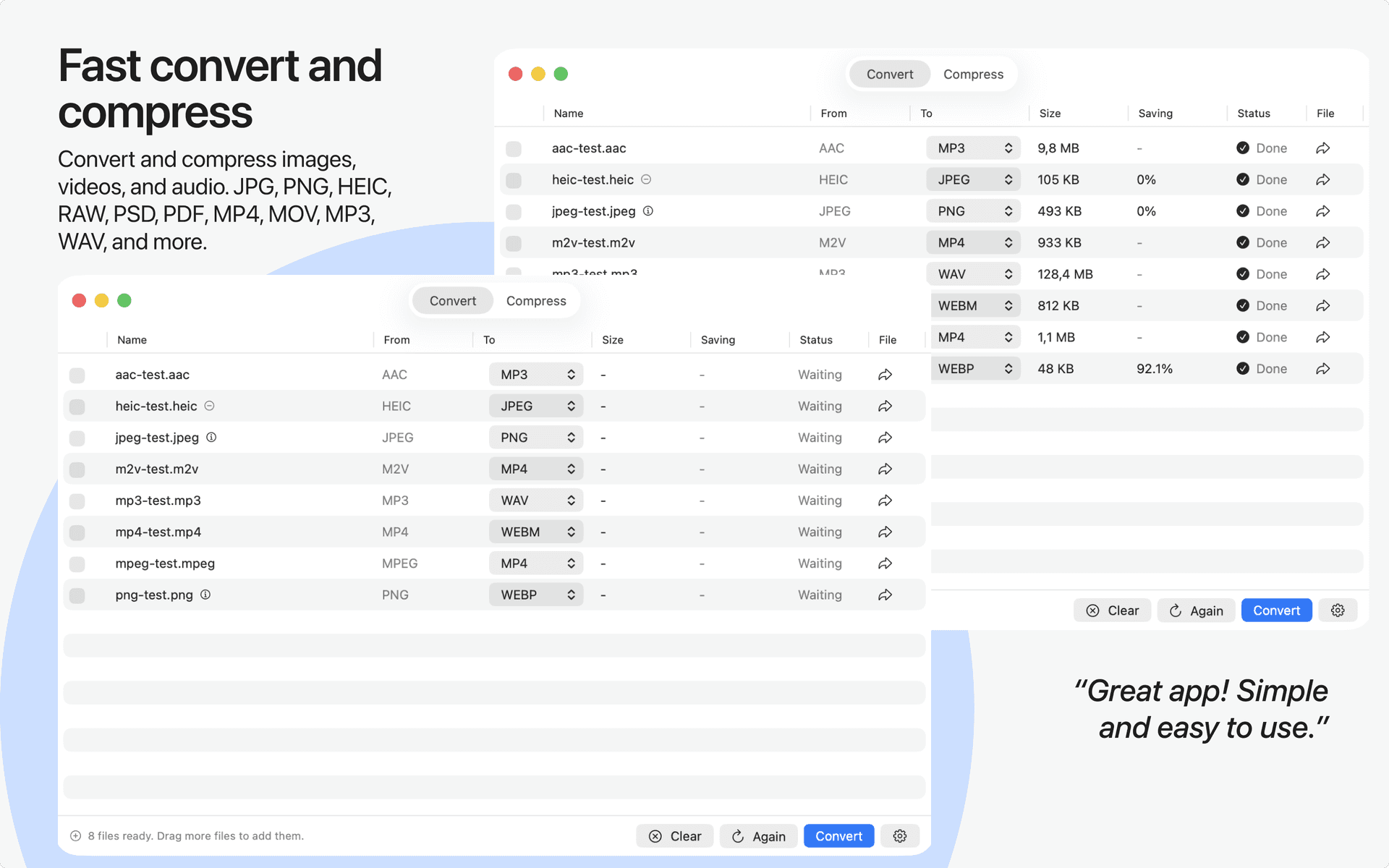
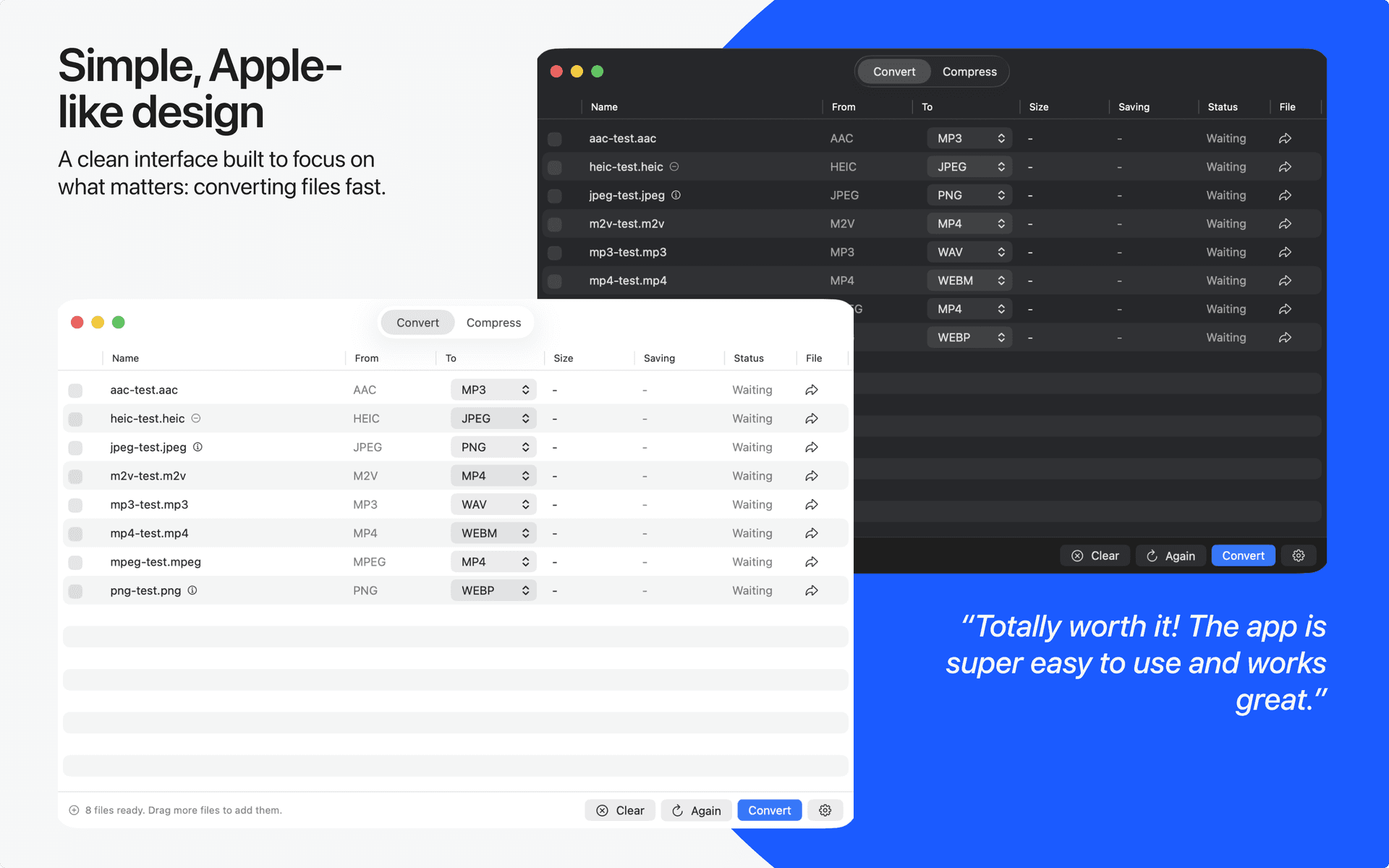
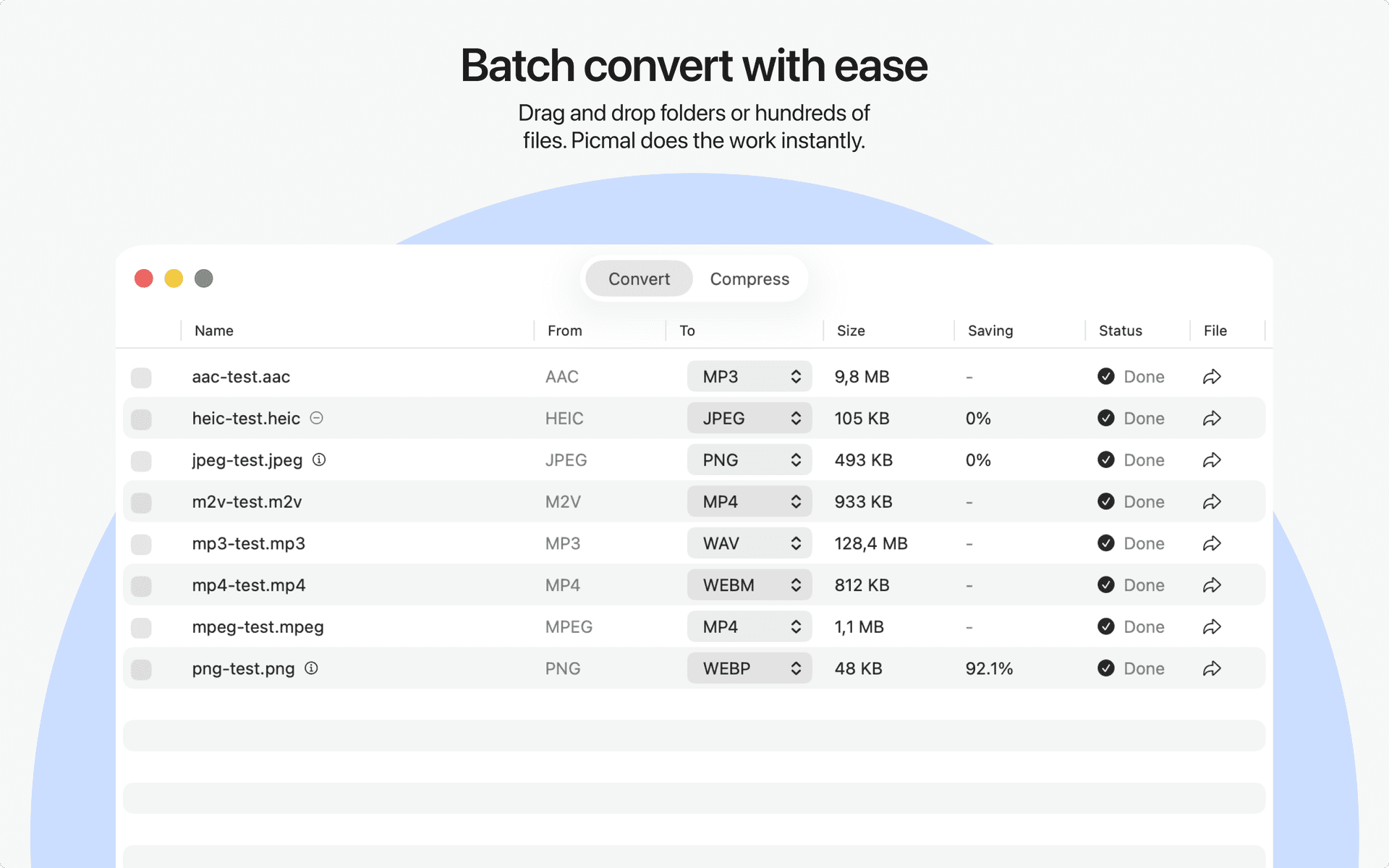
Convert and compress images, videos, and audio in bulk. Works offline, no account needed, nothing to subscribe to.
App Details
| Initial release | |
|---|---|
| Price | 15.99 |
| Platforms | Mac |
| Category | Utilities |
| Website | picmal.app |
New Features • Save a transcript with every video you download. Tick Transcript next to the quality menu and each video gets a TXT, SRT or VTT file beside it. Picmal uses the captions the uploader made when there are any, which is instant. Otherwise it transcribes the video on your Mac with the Transcribe model, so nothing leaves it. The language, names and format are the ones you set in Transcribe. A video with no captions and no model installed still downloads, and its row says why there's no transcript. Improvements • Download Video offers more sizes. Pick 2160p, 1440p, 1080p, 720p, 480p or 360p, along with Best and Audio only. Picmal downloads the largest version the site has at or below that size. If the site has nothing that small, you get the closest size it has. • Download Video shows each file's size before you download it. A new Size column shows about how big each link will be at the quality you picked, and it updates when you change the quality. Once a file is downloaded, it shows the real size. A site that doesn't share its sizes shows a dash. • Download Video says which sites it works with. The empty screen and the Add Links window now show the YouTube, X, Instagram, TikTok, Facebook and Vimeo logos, and say it works with many other sites too. Bug Fixes • Bottom bars fit narrow windows. In a narrow window the buttons and menus at the bottom of every tool used to squeeze together: "Transcript" broke into one letter per line, button names disappeared and "Download All" turned into "D...". The options now move to their own row, and the buttons keep their names.

Batch Compress & Resize Photos

Preview, Search & Extract

Motion Photos to Live Photos

Shrink, resize, free up space

Convert JPG, PNG, HEIF, TIFF

Capture, Edit & Convert Video