Screenshots
Description
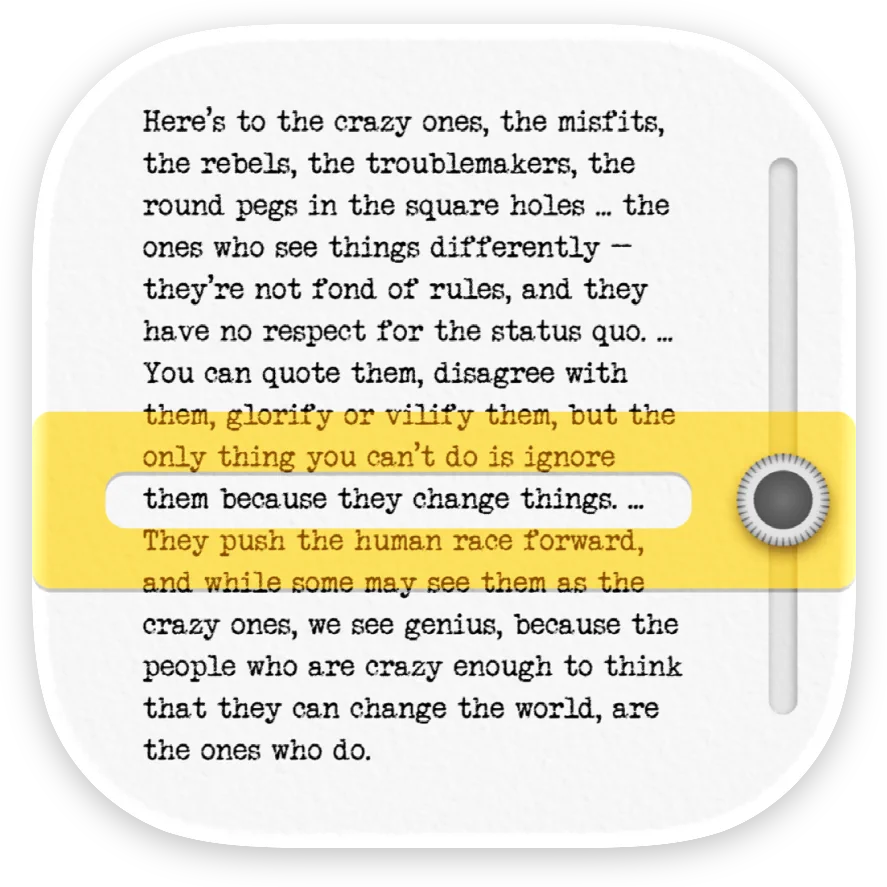
Find the on-screen reading settings that suit you. For dyslexic and ADHD readers, children and adults alike — and for anyone who tires quickly on screen. This app is a settings lab: experiment with fonts (including OpenDyslexic), text size, letter and line spacing, and colors on a sample text — and see the result instantly. IMPORTANT — This app is not a screening or diagnostic tool. Dyslexia is diagnosed by a qualified professional (speech-language pathologist). This app only helps you explore display preferences. WHY SPACING MATTERS In a controlled study published in PNAS (Zorzi et al., 2012), increasing the space between letters immediately improved reading accuracy in children with dyslexia — with no training. Effects vary from reader to reader, which is exactly why testing your own settings matters. WHAT YOU CAN DO - Try different fonts and compare them on the same text - Adjust text size, letter spacing and line spacing - Test text and background colors for your visual comfort - Send feedback and suggest new settings Once you know what works for you, apply your preferences in our other apps (Scandys, Navidys, School tool) or in your device's accessibility settings.
Release Notes
App Details
| Size | 3.9 MB |
|---|---|
| Initial release | |
| Price | |
| Platforms | Mac, iPhone, and iPad |
| Languages | English, French, and German |
| Category | Education |
| Website | michaeldardol.com |
| Compatibility | |
|---|---|
| iPhone | Requires iOS 17.0 or later. |
| iPad | Requires iPadOS 17.0 or later. |
| Mac | Requires macOS 14.0 or later. |
| Apple Vision | Requires visionOS 1.0 or later. |
More By This Developer
Similar Apps
App's data is regularly updated.
Last update: