Screenshots
Description
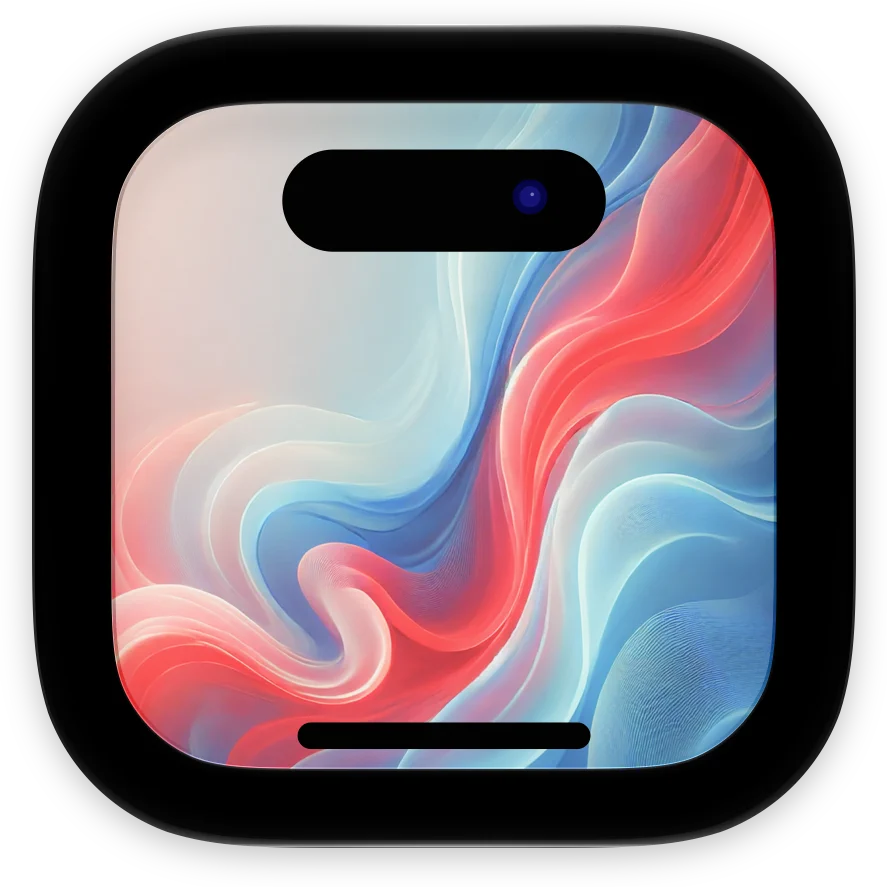
Put screenshots and screen recordings into real device frames, ready for your App Store page, website, or social posts. Drop in a screenshot and FrameBuddy matches it to the iPhone, iPad, or iPhone Duo it was taken on. Give any shot its own device, color, and rotation, or set a default that Finder, Shortcuts, and the command line tool follow too. Frames Frames for the latest iPhones, iPads, and iPhone Duo, in the colors those devices come in. iPads and the iPhone Duo inner display can be framed in landscape as well as portrait. Screen recordings Videos are framed the same way and saved as QuickTime movies with a transparent background, so the device sits cleanly on any page. Screenshots are saved as PNGs with a transparent background. Finder Right-click screenshots or recordings and choose Quick Actions, then Add Device Frames. The framed files are saved next to the originals, without opening FrameBuddy. Command line framebuddy frames screenshots and recordings from Terminal, scripts, and CI, with the same devices and colors as the app. Shortcuts The Frame Screenshots action does the same from Shortcuts. Export Export a whole set at once, or copy the framed screenshots to the clipboard.
Release Notes
FrameBuddy 2.0 is here! - Visual editor - Automatic device detection - Easily change device colors - Finder extension - Shortcuts support - framebuddy CLI
• v2.0All release notes
App Details
| Size | 36.8 MB |
|---|---|
| Initial release | |
| Price | Free |
| Platforms | Mac |
| Languages | English |
| Category | Developer Tools |
| Compatibility | |
|---|---|
| Mac | Requires macOS 14.0 or later. |
More By This Developer




Similar Apps
App's data is regularly updated.
Last update: