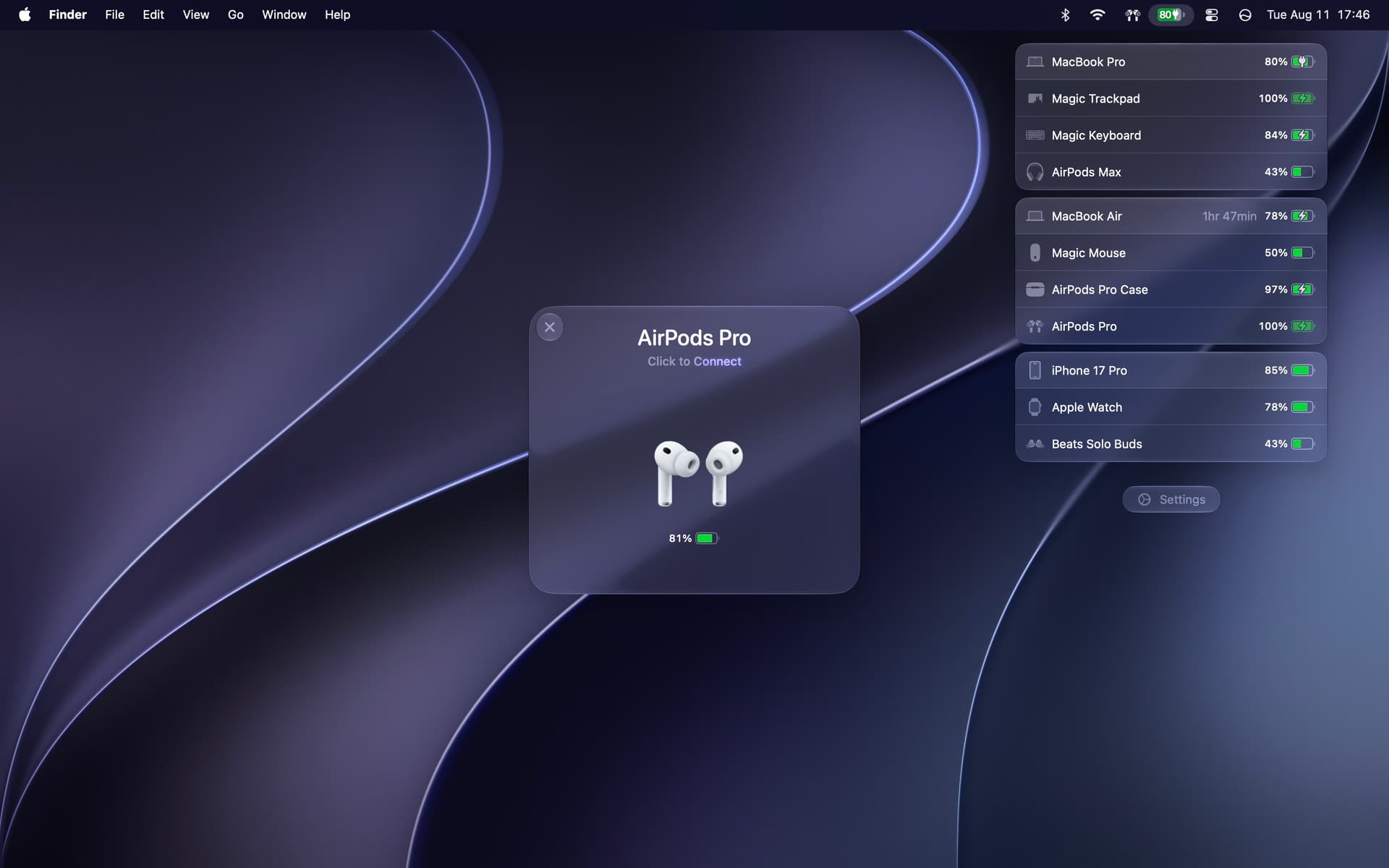
AirBuddy is a Mac companion for AirPods, Beats and your other wireless devices. See batteries, connect AirPods, control what’s playing, and move peripherals between Macs, all without leaving what you’re doing.
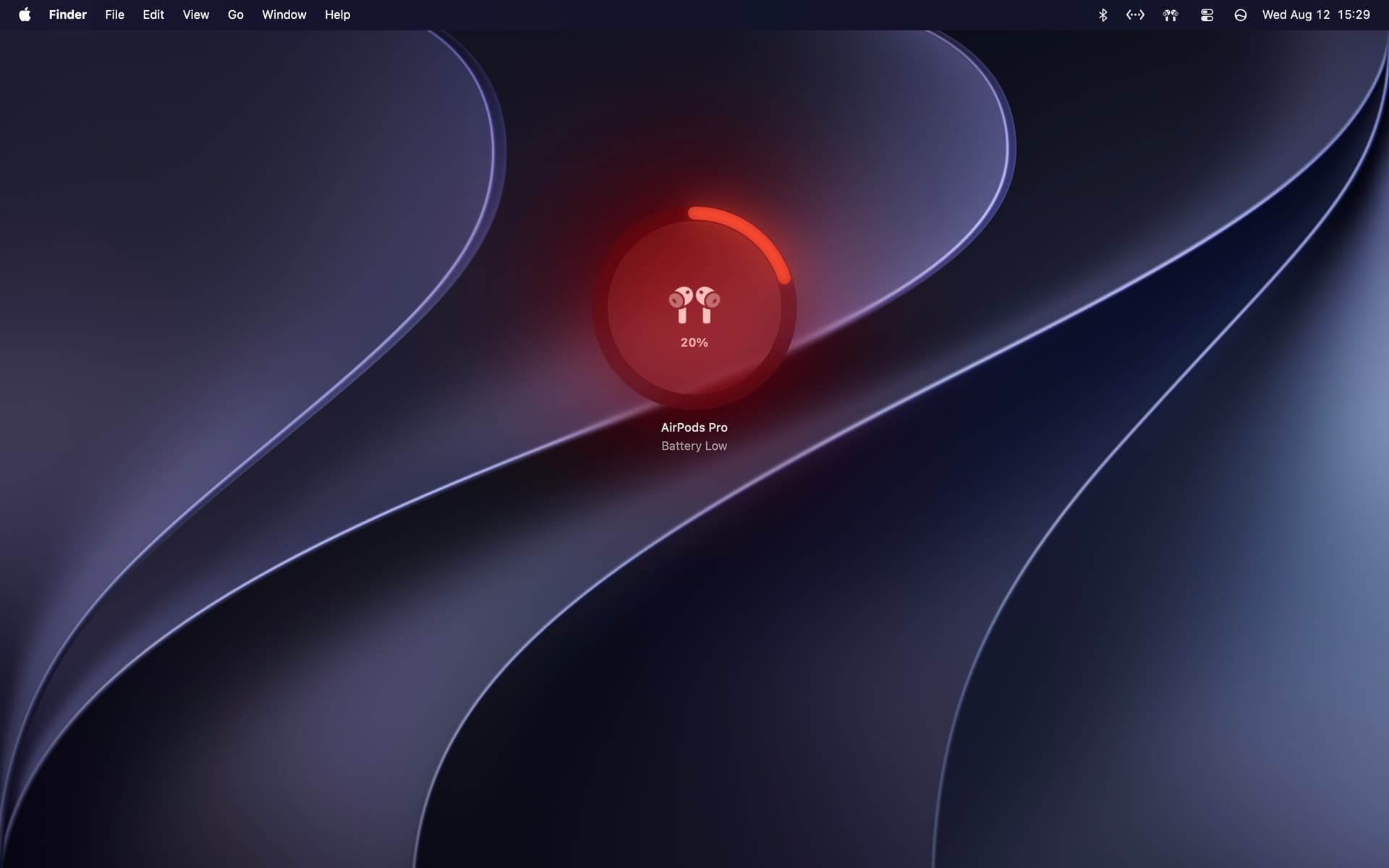
- Action HUD: nearby AirPods, connection progress, listening modes, Now Playing and battery alerts appear in one consistent place that adapts to your screen
- Over-the-air device definitions keep model-aware support for AirPods and Beats current
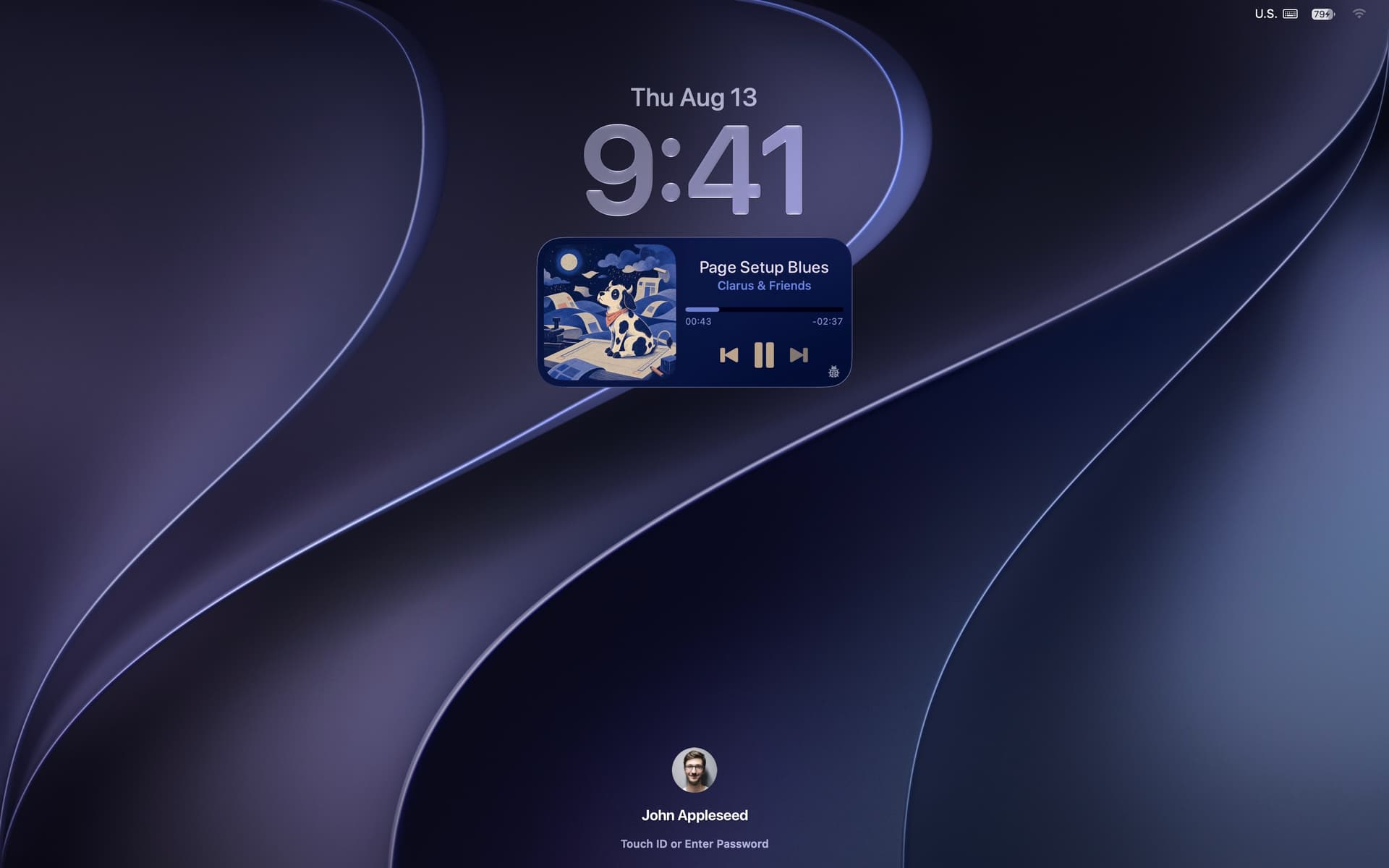
- Interactive Batteries, AirPods and Now Playing widgets on your Desktop, with a layout for each display, and on the Lock Screen
- A Dashboard with nearby and pinned devices, battery status, controls and settings
- Magic Handoff: transfer a Magic Mouse, Magic Keyboard or Magic Trackpad between Macs running AirBuddy
- Low battery and charging complete alerts with per-device thresholds
- Keyboard shortcuts, Shortcuts actions and AppleScript support for automation
November 11, 2026
AirBuddy 3.1 introduces redesigned Device Stats, keeps battery information available for pinned devices, adds new Shortcuts actions, and expands support for macOS 27 and new devices. This update also improves battery reporting, Magic Handoff, Now Playing, and the Action HUD.
Redesigned Device Stats
Device Stats has been redesigned and rebuilt to show more detail over longer periods, including battery life and battery health estimates and your most-used listening modes for AirPods.
Open AirBuddy settings → Devices and click the stats button for a device to view its history. AirBuddy gathers and analyzes new information as you use your devices, with useful data starting to appear after a few hours. Stats are stored locally on your Mac.
Stats from previous versions are not migrated. When upgrading from an earlier version, graphs will initially be empty and will fill in as you use your devices near your Mac.
Battery Information for Pinned Devices
The Dashboard and widgets now retain the last known battery information for pinned devices, including AirPods, when they’re no longer available nearby. This information is also preserved between restarts.
Battery indicators are dimmed and desaturated when showing older information, and a tooltip shows when the device was last updated. Cached battery information is retained only for pinned devices and is deleted when a device is unpinned.
Hide System Volume and Brightness HUD in macOS 27
On Macs with Apple silicon running macOS 27 or later, AirBuddy can now hide the system volume and brightness indicators so that only the AirBuddy Action HUD appears. Enable this option in AirBuddy settings → Action HUD.
This feature requires Accessibility permission. AirBuddy handles media keys through an isolated, hardened process with a strict sandbox that limits its capabilities to receiving those key events and forwarding volume and brightness adjustments to AirBuddy.
Volume adjustments made with AirPods or other headset controls still display the macOS volume indicator. Existing support for hiding the system indicators on older versions of macOS is unchanged.
Touch Screen Support
The Action HUD, Dashboard, widgets, and other interface elements now support direct touch input when using a new MacBook Pro with PROLED XDR Display or a Mac running macOS 27 with an iPad running iPadOS 27 through Sidecar.
New Shortcuts Actions
The new “Get Listening Mode” and “Set Listening Mode” actions let you read and change listening modes in Shortcuts.
Support for New Devices
AirBuddy 3.1 adds initial support for:
• AirPods 5 and AirPods 5 with Wireless Charging Case
• iPhone 18 Pro and iPhone 18 Pro Max
• iPhone Duo
• Apple Watch Series 12 and Apple Watch Ultra 4
• Mac mini with M5 Pro or M6
• Mac Studio with M5 Max or M5 Ultra
• MacBook Pro with PROLED XDR Display
• iMac (M6)
• MacBook Pro (14-inch, M6)
• iPad mini (A20 Pro)
Battery Reporting and Alerts
• Low battery alerts can now be configured for battery levels as low as 2%.
• Fixes outdated low battery alerts appearing after unlocking the Mac and charged alerts sometimes failing to appear for Apple peripherals. (23425524)
• Fixes battery alerts sometimes remaining visible after being dismissed on another Mac connected through Magic Handoff.
Action HUD and Now Playing
• Improves the appearance and animations of the Now Playing controls embedded in the large AirPods status Action HUD, and fixes the HUD losing its background blur when those controls appear.
• Fixes scrolling track titles in the Now Playing widget animating incorrectly after a track change.
• The “Show Now Playing HUD” keyboard shortcut now displays a “Nothing Playing” message when no media information is available.
• The Now Playing widget no longer shows information from an app that has supplied track details but hasn’t played anything yet. Also includes a potential fix for Podcasts unexpectedly appearing in the widget after macOS launches it in the background. (20421373)
• Fixes negative elapsed or remaining playback times after media has been paused for an extended period. (41911929)
• Fixes the AirPods status Action HUD failing to appear because of older AirBuddy 2.x preferences or a cache directory permission issue.
• Fixes the AirPods Action HUD sometimes reopening after the charging case has been closed. (15310773)
Dashboard and Widgets
• Fixes the Dashboard opening on the wrong display with certain display arrangements. (11210890)
• Fixes scroll bars flashing during the Dashboard’s opening animation, including on macOS 27. (11834395, 29380201)
• Removes unwanted focus outlines around Dashboard items when Keyboard navigation is enabled in System Settings. (24121684)
• Widget configuration previews now use a generic wallpaper on macOS 27 instead of sometimes showing a gray background.
Magic Handoff and Device Pairing
• Reduces Magic Handoff reconnection traffic to help mitigate Wi-Fi latency and jitter caused by poor connectivity.
• Fixes a pairing key synchronization issue that could prevent Magic Handoff from working. The picker now warns when pairing needs to be restored in AirBuddy settings because of an encryption issue. (20278708, 79323562)
• Improves the pairing interface to help prevent accidentally declining a pairing request. (10611712, 15344215)
• Includes a potential fix for a transferred device receiving a generic name instead of keeping its custom name. (20623318)
• Improves restoration of pairing for previously removed iPhone, iPad, and Apple Watch devices, including a fix for Apple Watch not being restored after successfully pairing its companion iPhone. (70130150, 65214190)
Settings, Setup, and Reliability
• Improves the feedback form and attachment management.
• Fixes several memory leaks in AirBuddyHelper.
• Improves the overall reliability and performance of device updates.
Previous Releases