
Screenshots



Description
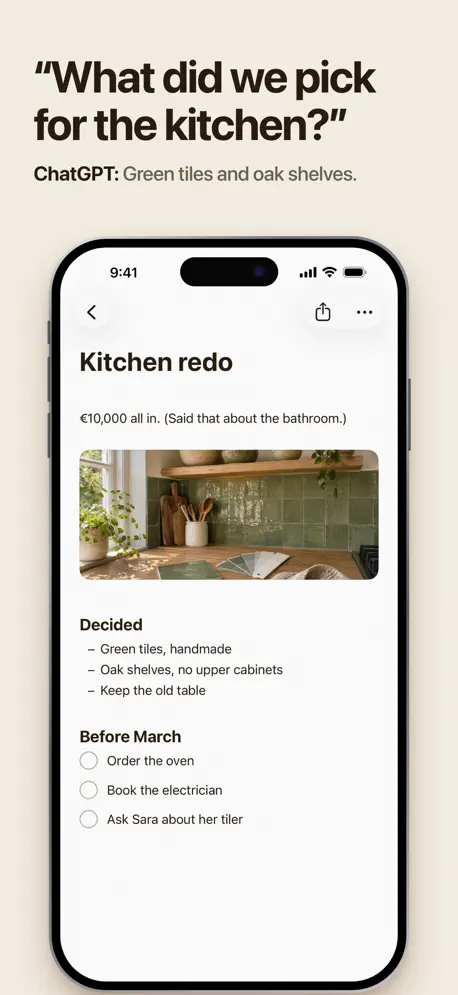
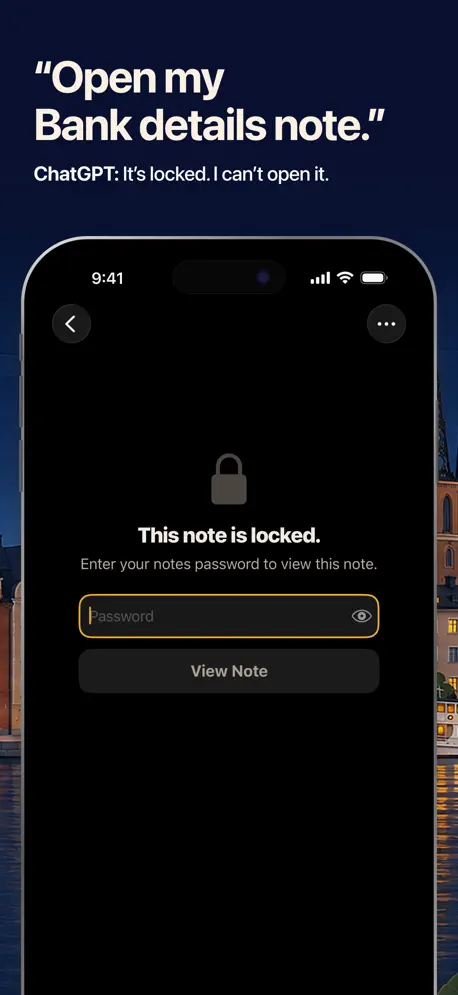
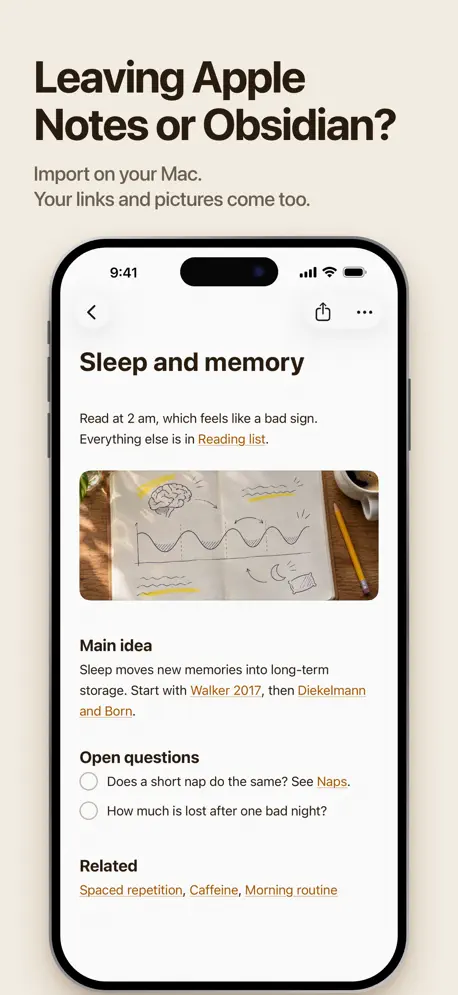
Pinto Notes is a simple notes app your AI can use. It works like the notes app you already know, with folders, checklists, tables and photos. The difference is that ChatGPT and Claude can read and update your notes when you let them. ASK YOUR AI, IT'S IN YOUR NOTES • "Add oat milk to my groceries." It's on your phone a second later. • "What did we decide about the Lisbon hotel?" Your AI reads the note and answers. • "Turn this meeting into a checklist in Work." Done, on every device. • Every line an AI changes is highlighted, with Undo next to it. A NOTES APP FIRST • Checklists that move ticked items to the bottom • Headings, bullets, numbered lists and quotes • Tables you edit cell by cell • Photos, PDFs and files in your notes and folders • Sub-notes that keep details one tap away • Keep writing offline. Changes sync when you're back. • Lock a note with a password and Face ID ENCRYPTED Your notes are encrypted on your iPhone and Mac before they sync. We keep a locked copy of your key, so signing in on a new device opens your notes. It also means we could open them if we had to, for example under a court order. An AI you connect reads the notes it asks for through our server. A note you share as a web page is readable by anyone with the link. YOU DECIDE WHO GETS IN • You approve every AI connection • Disconnect an AI at any time • Every change keeps the earlier version, so you can go back • Share a note as a web page and stop sharing whenever you like • Delete your account and everything in it from Settings BRING YOUR NOTES Import from Evernote, Google Keep, or Markdown and text files. On the Mac, import from Apple Notes in one step. No ads and no tracking. Open source. 2 GB of storage. Sign in with Apple, Google or email. Connecting ChatGPT or Claude needs your own account with that service. Pinto Notes was called Amber Notes until October 2026.
Release Notes
• Type / at the start of a line to add a title, list, table, code block, callout, divider, date or file. • Tags: write #work in a note to tag it. Tags in the sidebar lists them with counts, and #work/clients counts under #work. • Callouts and highlights: coloured boxes with an icon and a title, the same format as Obsidian, and ==text== to highlight. • Dates show as Today, Tomorrow or a weekday. • Fold a section under its heading. • On iPad: folders, notes and the open note side by side. • Tables are easier to edit: taller rows, add bars, bigger handles, and a Table panel to add or delete rows and columns. • Colour themes (Paper, Sepia, Slate, Forest, High contrast) and an accent colour, in Settings, Appearance. • Link to another note with [[Title]]. Each note lists what links to it, and renaming a note updates the links. • Front matter and aliases survive import and export, and Export All Notes is in Settings, Account. • Links on a line of their own show as a compact row or a card with a picture. • Pictures fit the text's width, and can be small or a cover banner. • Code blocks look like blocks, with the language in the corner. • Notes use the full width, with Notes' heading weights and aligned list markers. • Privacy in Settings shows who can open your notes, and the recovery key appears only when you need one. • See every change an AI made across your notes. • Folders you can edit and reorder, a new Format panel, and Help and feedback in Settings. • Shortcuts can create a note or add to one. Thanks to @sameer-dhande.
• v1.3All release notes
App Details
| Size | 52 MB |
|---|---|
| Initial release | |
| Price | Free |
| Platforms | Mac, iPhone, and iPad |
| Languages | English |
| Category | Productivity |
| Website | pintonotes.com |
| Compatibility | |
|---|---|
| iPhone | Requires iOS 26.0 or later. |
| iPad | Requires iPadOS 26.0 or later. |
| Mac | Requires macOS 26.0 or later. |
| Apple Vision | Requires visionOS 26.0 or later. |
Similar Apps




App's data is regularly updated.
Last update: