
Screenshots





Description
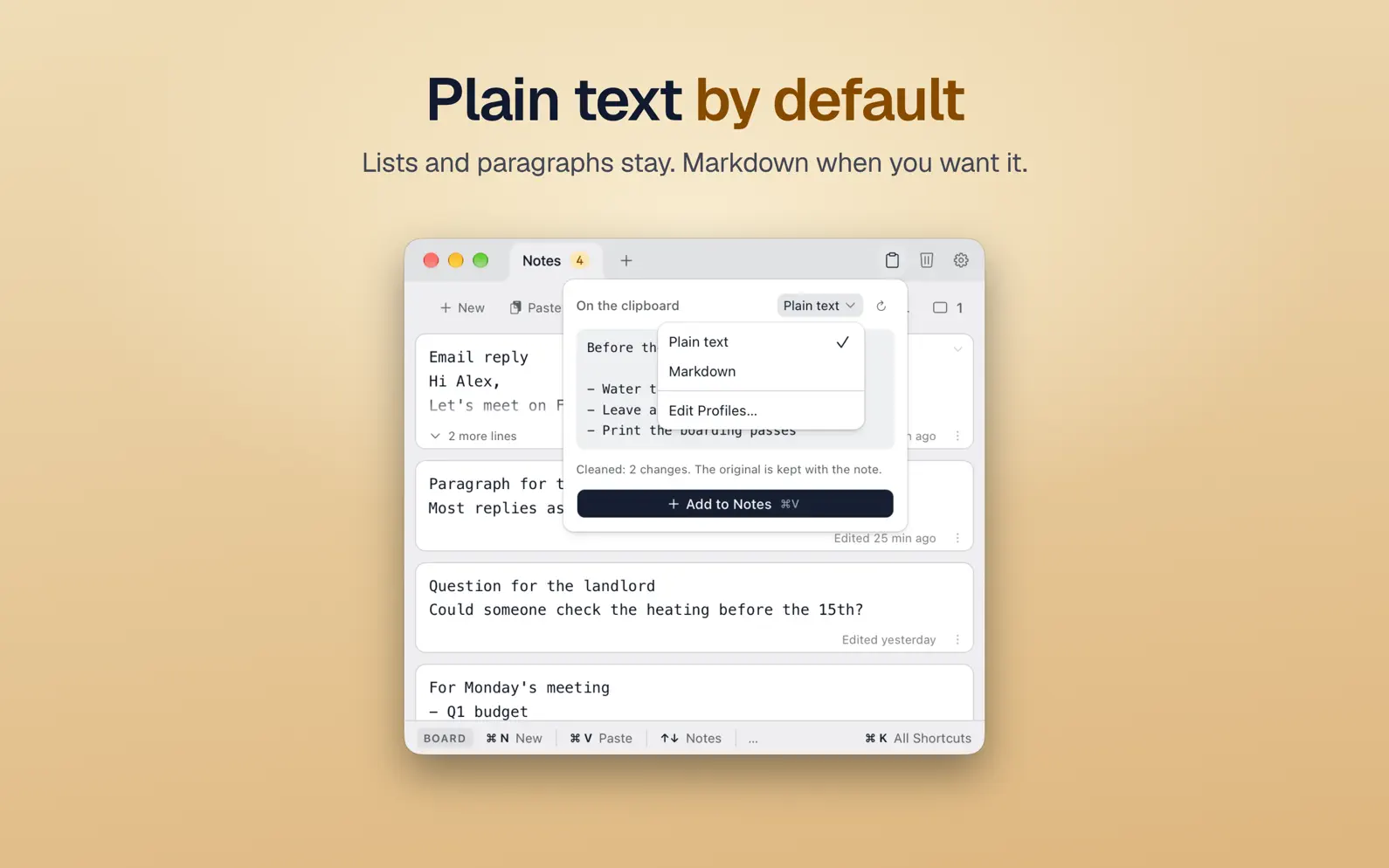
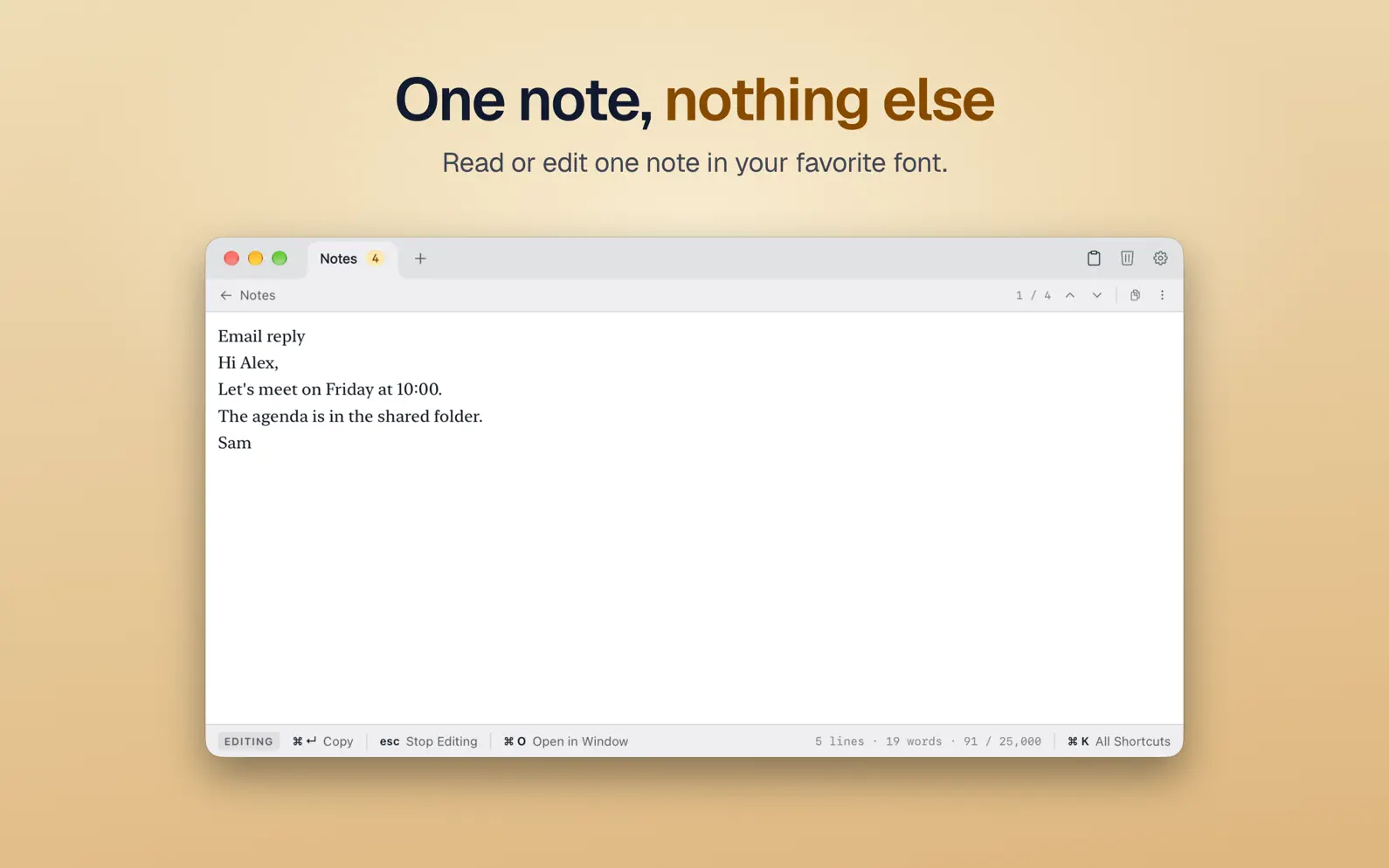
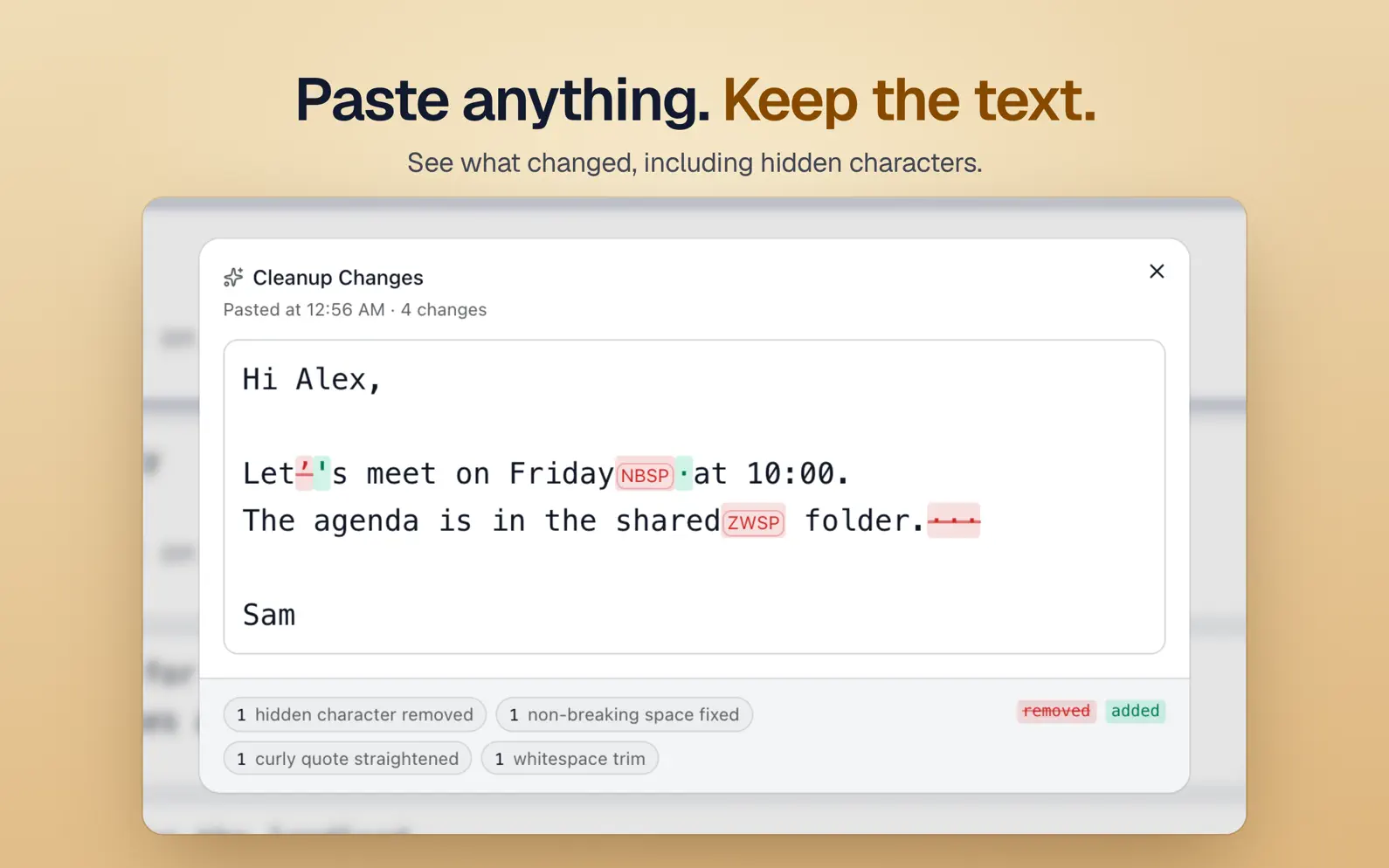
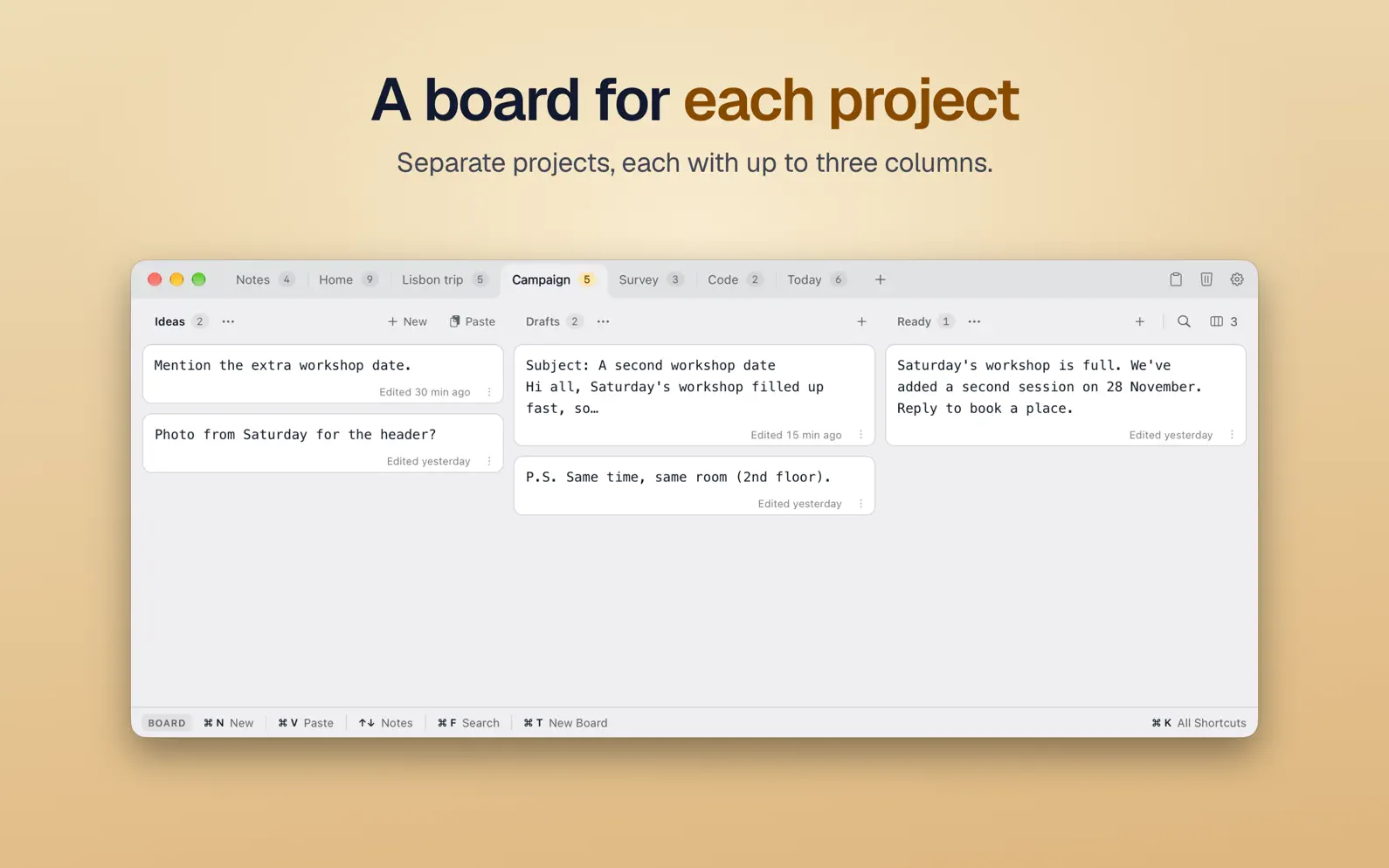
Unrich is a plain-text scratchpad for Mac, built for text on its way from one app to another. Formatting and unwanted invisible characters are cleaned up as you paste, and Unrich shows you exactly what changed. Draft a reply there, or keep a snippet handy until you need it elsewhere. Your notes are saved automatically, with no filenames to choose. HOW IT WORKS • Press ⌥Space from any app to open Unrich. • Paste with ⌘V, or write a new note with ⌘N. • Edit it right there, or open it in Focus View with nothing else in view. Spelling is checked as you type, never corrected for you. • Press ⌘↵ to copy it, then paste it wherever you need it. To add copied text without switching apps, press ⌥⇧Space. In apps that support macOS Services, you can also select text and choose Services > Capture to Unrich. The menu-bar icon opens a small window for a quick note. PASTE CLEAN, SEE WHAT CHANGED Text copied from a web page or a PDF often brings formatting and invisible characters along. A single zero-width space can break a form field or a line of code later, and you would never see it. Unrich removes the formatting and unwanted invisible characters, fixes odd spacing and straightens curly quotes. Paragraphs and lists stay readable, and visible web addresses stay as they are. Plain text is the default. Choose Markdown when you want headings, emphasis, code and links written out, or make a cleanup profile of your own. The clipboard preview shows the result before you add it. In a cleaned note, you can inspect cleanup changes with invisible characters marked, or copy the original pasted text. WHEN YOU NEED MORE ROOM • Boards for separate things, such as a course, a trip or a project, each with up to three columns. • Drag notes between columns and boards. Split a note in two, or merge several into one. • Search this board, another board or all boards. Preview replacements, leave individual matches unchanged, and undo the changes in one step. • Keep a note on top of other apps, in its own window. • Drop text files from the Finder onto a board, and each becomes a note. • Give a note a character target when you write for a form or a post with a limit. • Save a board as a plain-text file. • Back up all your notes, boards and settings to one file, and restore them later. SECRETS Passwords pasted as secrets are masked, kept in memory only, never written to Unrich's saved data, and deleted after ten minutes by default. APPEARANCE Light or dark, your choice of note font and size, optional line numbers, and a bar that shows the shortcuts that work right now. WHY WE MADE IT We move text between emails, documents, forms and code all day. For years our workaround was an unsaved editor tab, kept open just to strip formatting and park snippets. Unrich is the small tool we wanted instead, and we use it every day. PRIVACY Unrich doesn't upload your notes and keeps no clipboard history. Clipboard previews stay in memory; text is saved only when you add it. No account, no sync, no analytics, no tracking. ABOUT THE NAME Rich text in, plain text out. That's Unrich. Requires macOS 13 Ventura or later. Runs natively on Apple silicon and Intel Macs.
Release Notes
Selecting and editing. The first click selects a note. Click the selected note's text to edit it, or start typing to add to its end. While you edit, the other notes fade slightly and the one you're working on gets a gentle shadow. Opening and closing notes keeps the text you were reading in place more reliably. See what changed, right after pasting. When you paste a new note, "Show Changes" in the confirmation opens its cleanup comparison. The note's ⋮ menu also keeps the comparison entry visible, dimmed when there is nothing to compare. New and Paste, within reach. The active column's header now has both actions, with quieter buttons that stay visible as you scroll, even on a one-column board. New adds the note right below the one you're on, as ⌘N does. Double-click a column's header to scroll it back to the top. Empty columns accept dropped notes across their full height. New boards are ready for pasting straight away; rename them when you want to. Also improved: - Expand or collapse a long note with the arrow in its top corner, which stays in reach while you scroll. The column and View menus can expand or collapse several notes at once. - Note footers are quieter, with a simpler Show More/Show Less control. Click a note's date to open it in Focus View. - Choose the number of columns from View > Columns. - Each note font now has a starting size suited to it. - The initial window is wider, with room for three columns side by side. - Search shows which match you're on, with buttons to step through them (⌘G and ⇧⌘G). - A new board takes the lowest free number: after deleting Board 2, the next one is Board 2 again, not a second Board 3. - Fixed a stuck loading screen when clicking the current board's tab from Focus View. And one more thing: find Sir Unrich's crest to unlock a medieval theme.
• v1.1.3All release notes
App Details
| Size | 4.8 MB |
|---|---|
| Initial release | |
| Price | $9.99 |
| Platforms | Mac |
| Languages | English |
| Category | Productivity |
| Website | coneno.com/apps/unrich |
| Compatibility | |
|---|---|
| Mac | Requires macOS 13.0 or later. |
More By This Developer

Similar Apps




App's data is regularly updated.
Last update: