
Screenshots

Description
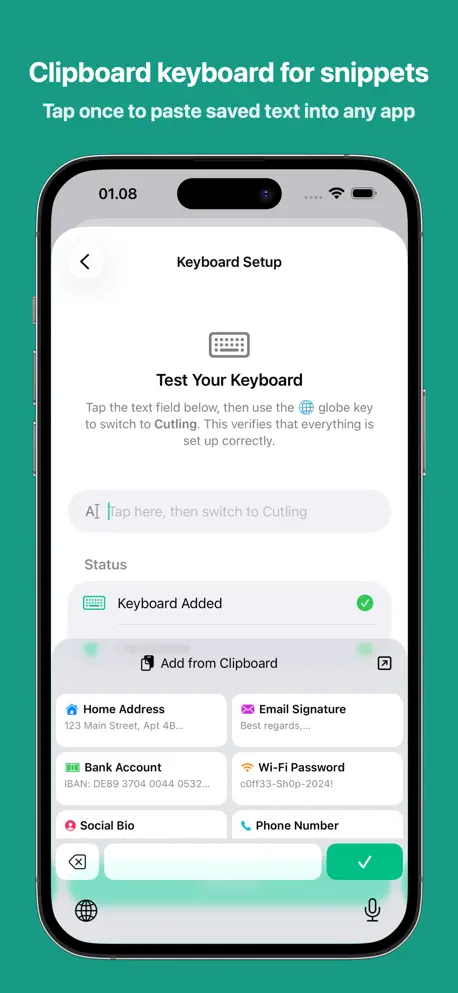
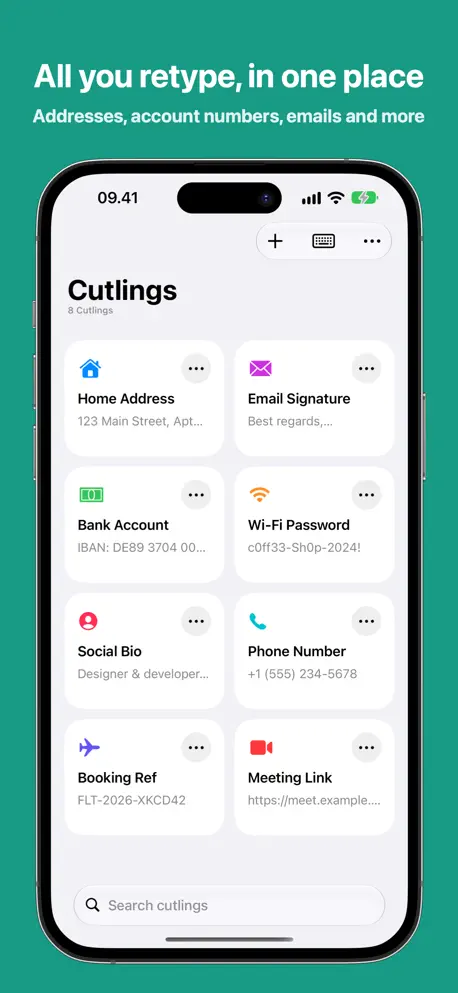
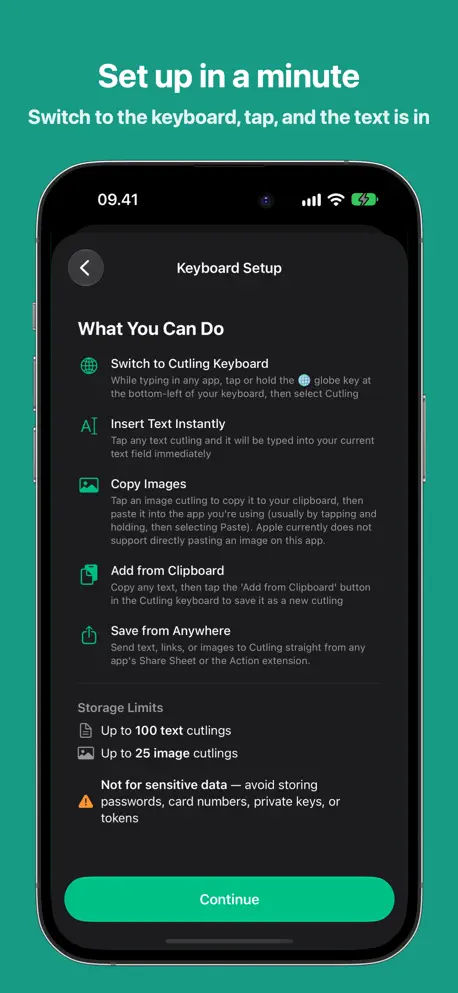
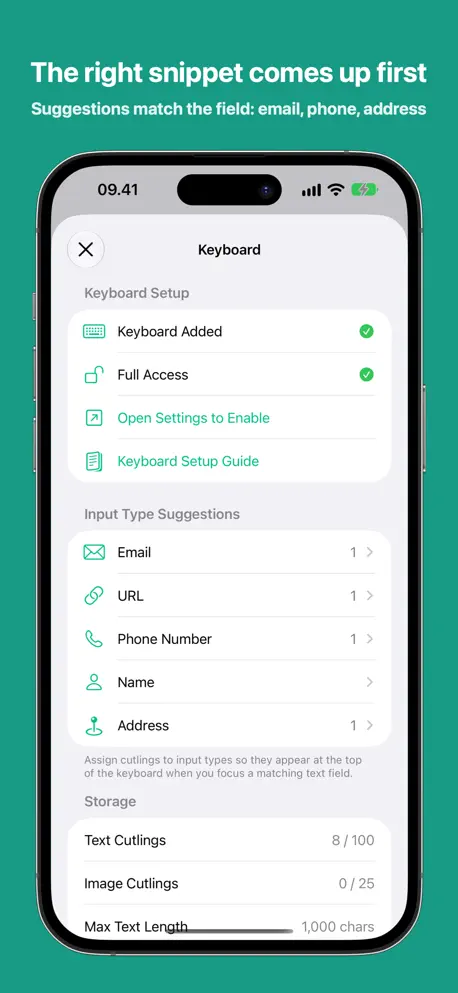
Cutling puts your most-used text one tap away. Add a lightweight keyboard extension and instantly insert saved snippets — addresses, bank details, email signatures, IDs, or anything you type repeatedly — without leaving the app you're in. How it works Open Cutling. Create your snippets. Enable the keyboard. That's it. When you need to fill in your address or share account details, switch to the Cutling keyboard and tap the snippet. Done. Why Cutling? No account required. No ads. No tracking. Just a fast, private utility that saves you from retyping the same things over and over. — Save addresses, bank info, IDs, bios, and more — Paste from any app via the keyboard extension — Sync across all your devices with iCloud — Set expiration dates to auto-remove temporary snippets — Color-label and customize each snippet with an icon
Release Notes
• Formatted text: bold, italic and links you copy stay intact. Tap one on the keyboard to copy it with its formatting, then paste. • Code stays exact: Cutling spots code and keeps it in monospace, with no smart quotes or dashes. • Type the start of a cutling's name on the keyboard and tap it to replace the word. • Import your iPhone Text Replacements into Cutling. • The keyboard adds a space before a cutling when one is needed, and works in fields that only accept plain characters.
• v1.6.0All release notes
App Details
| Size | 19 MB |
|---|---|
| Initial release | |
| Price | $4.99 |
| Platforms | Mac, iPhone, and iPad |
| Languages | Arabic, Bengali, Bulgarian, Catalan, Croatian, Czech, Danish, Dutch, and 43 more |
| Category | Utilities |
| Website | cutling.matsuokengo.com/en-us |
| Compatibility | |
|---|---|
| iPhone | Requires iOS 18.0 or later. |
| iPad | Requires iPadOS 18.0 or later. |
| Mac | Requires macOS 15.0 or later. |
| Apple Vision | Requires visionOS 2.0 or later. |
More By This Developer

Similar Apps

Clipboard Manager - PastePal
Copy Paste Keyboard History

Clipbud - Clipboard Manager
A simple clipboard manager.

Text Catalyst: Paste & Expand
Clipboard Manager & Expander

SharePal - Quick info sharing!
Clipboard manager & snippets

LazyBoard: Text Expander
Quick Reply & Snippet Keyboard

Clip Jar
Organize and share text clips
App's data is regularly updated.
Last update: