Screenshots




Description
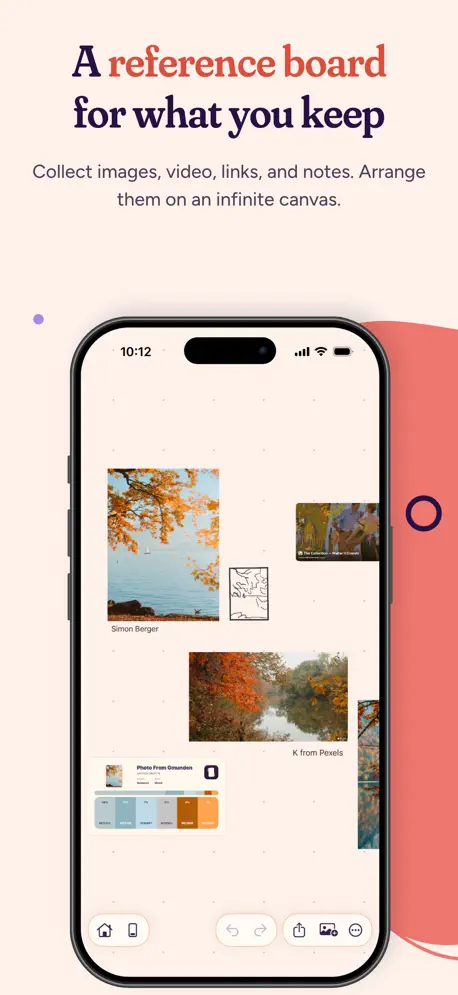
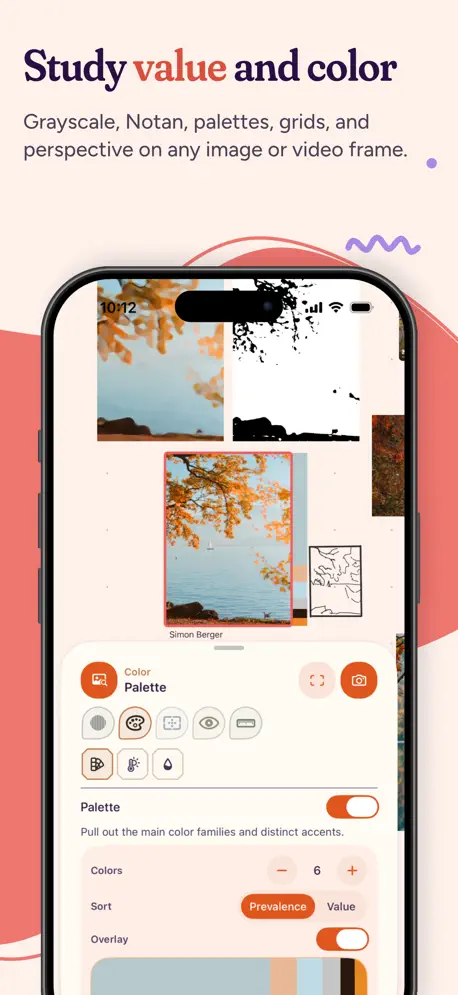
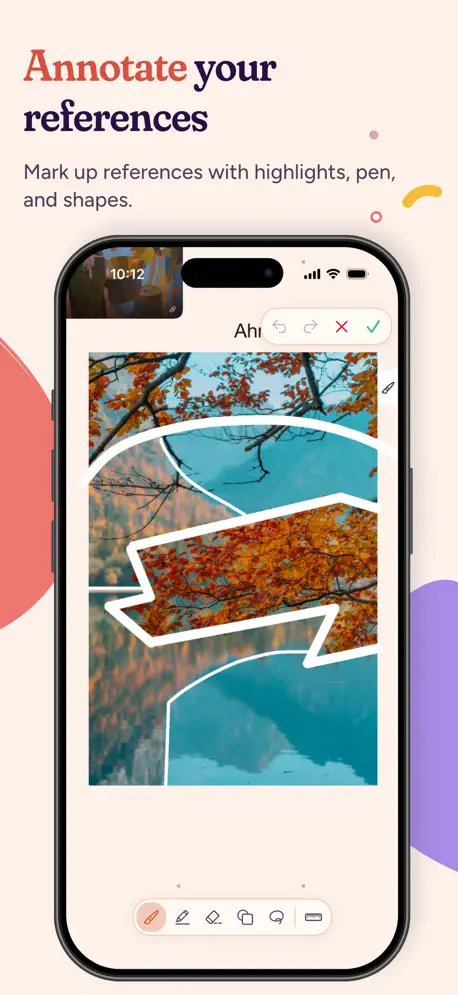
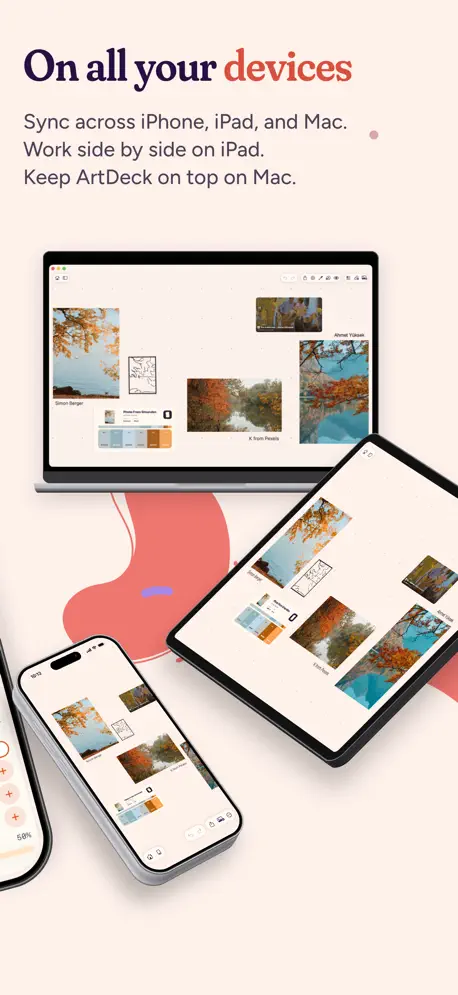
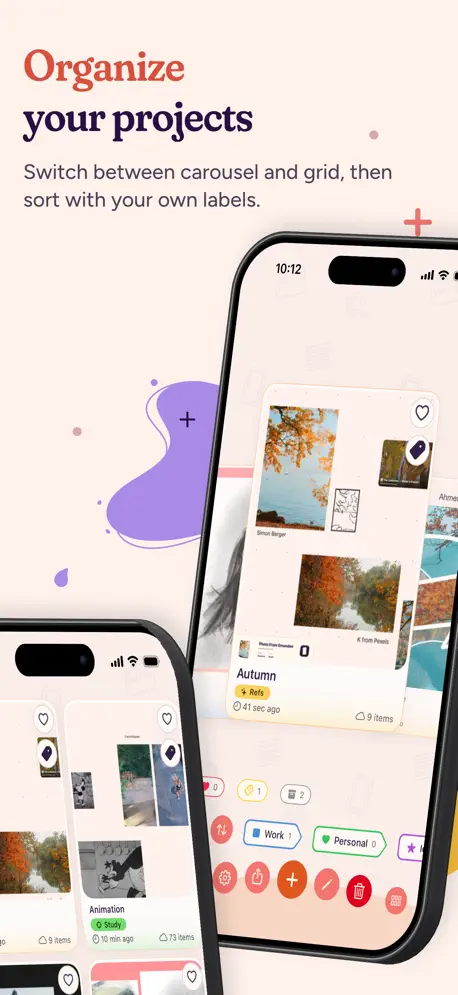
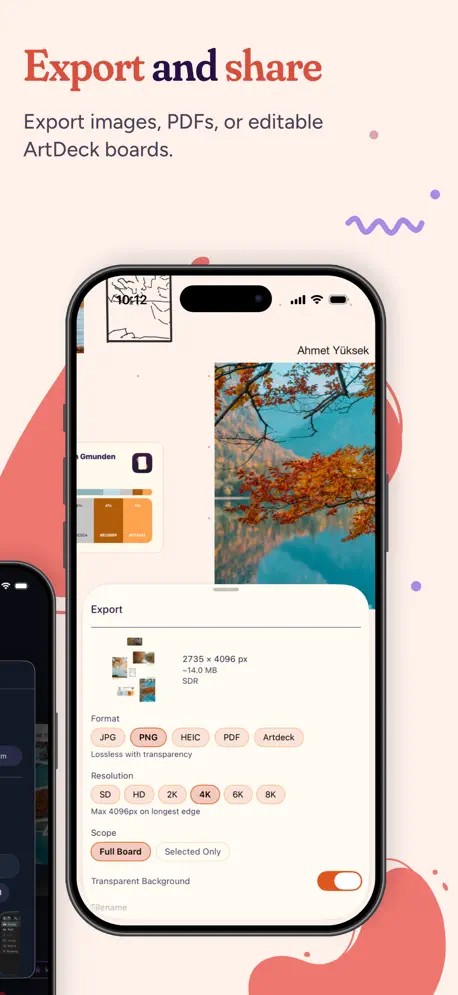
ArtDeck is a reference board for iPad, iPhone, and Mac. Collect images, videos, links, and notes, then arrange and zoom them on an infinite canvas. Make a moodboard or open the built-in tools when you want to analyze value, color, composition, or motion. You can also keep references next to Procreate on iPad or your creative apps on Mac. iCloud sync is optional. CAPTURE NOW, USE IT ANYWHERE See a texture, a color combination, or a striking composition while you're out? Take a photo right inside ArtDeck and drop it on a board. Because your boards sync, it's there on your Mac and iPad, ready next to your design, 3D, or drawing tools. COLLECT FROM ANYWHERE • Shoot photos and video on iPhone and iPad; on Mac, take the photo with the webcam or your iPhone • Import from Photos or Files • Scan a document on iPhone or iPad, or use Continuity Camera on Mac • Save any link as a card, or paste a link to an image, video, or PDF to import it • Drag and drop, paste, or use the Share menu from any other app • Opens all common image formats, plus WebP, AVIF, JXL, HDR, EXR, and SVG. Video, GIFs, and PDFs up to 300 pages • HDR images and video at full brightness on capable screens, for the whole app or per board STUDY WHAT YOU COLLECT Study any image or video frame through the ToolBox's five lenses, without touching the original: • Values: grayscale, a value ladder, and Notan to read your darks and lights • Color: pull a palette from any image, or see its temperature and saturation zones • Composition: overlay grids, test new framings, or check the symmetry • Read: simplify to the big shapes, find where detail piles up, follow the edge hierarchy • Measure: drop plumb lines, read an angle off a snapping guide, and compare two lengths The Analysis panel shows value range, a histogram, hue, saturation, and color distribution. Export a study, or keep a copy on your board. Step through GIFs and video frame by frame, with onion skin and a GIF filmstrip ANNOTATE AND DRAW • Mark up an image, or draw directly: pen, highlighter, and shapes • Draw a stroke, then hold at the end to straighten it ARRANGE IT YOUR WAY • An infinite canvas to drag, scale, rotate, and zoom • Snap to objects and grid; align, distribute, and tidy up • Group and nest, reorder, lock, with undo and redo YOUR BOARDS, EVERYWHERE • The same boards on iPhone, iPad, and Mac, synced through your iCloud • Works fully offline: sync catches up when you're back online • Choose which boards sync • Split View and Stage Manager on iPad • Keep your window on top of the others on Mac YOUR GALLERY • Carousel and grid views of every board • Labels and multi-label filtering • Favorite, archive, rename, or duplicate any board MAKE IT YOURS • Dark, light, and high-contrast themes • Set one theme for the whole app, or one per board • An editor to fine-tune the colors and create your own themes • Import and export themes by file or link ACCESSIBILITY • VoiceOver support across the app, including items on the canvas • Respects Dynamic Type and Reduce Motion • A theme editor that checks color contrast and flags colors that are hard to tell apart EXPORT AND HAND OFF • Export a whole board or just a selection • PNG, JPEG, HEIC, or PDF, up to 8K, with a transparent background where the format allows • Save a whole board as one .artdeck file to back up or hand off TRY IT FREE, KEEP IT FOR LIFE Start with a free, individual 7-Day Trial. It does not renew. Lifetime Access is a one-time in-app purchase, not a subscription. No separate ArtDeck account is required. Keep what catches your eye.
Release Notes
Hold Space and drag to pan on Mac and on iPad with a keyboard. Also works in Annotation Mode. Hide the canvas header on Mac with Minimal UI. Add a canvas pattern to your boards: pick a built-in one or import your own. (PNG or SVG) iPhone and iPad: deleting or archiving a board in the gallery now takes a long press, then a drag to avoid accidents. Also includes other stability and performance improvements.
• v1.2.0All release notes
App Details
| Size | 81.8 MB |
|---|---|
| Initial release | |
| Price | |
| Platforms | Mac, iPhone, and iPad |
| Languages | Arabic, English, French, German, Italian, Japanese, Korean, Polish, and 5 more |
| Category | Graphics & Design |
| Website | getartdeck.com |
| Compatibility | |
|---|---|
| iPhone | Requires iOS 18.0 or later. |
| iPad | Requires iPadOS 18.0 or later. |
| Mac | Requires macOS 15.0 or later. |
Similar Apps

Exsto: Concept Art Sketching
Character & environment design

Artbox - Crafting Memories
Home for family arts & crafts

Value Study: art reference
Drawing Grid & Simplify Shapes

Mood Board - Creativit
Bookmark
TouchDesk - Desktop Canvas
Your desk, an infinite canvas

Curator – a minimal library
Collect visual ideas offline
App's data is regularly updated.
Last update: