Screenshots
Description
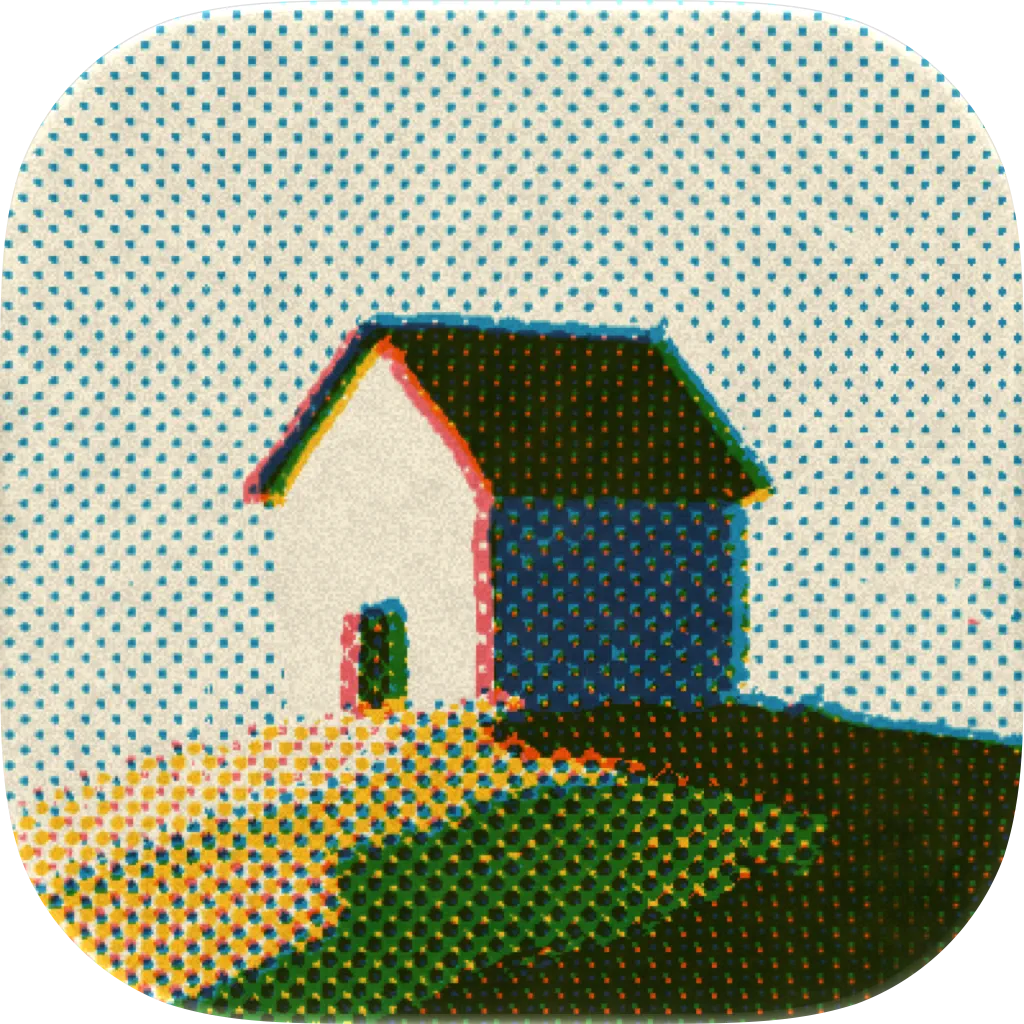
tone is a photo app that gives your pictures the character of stencil printing. Pick a photo, and fine halftone dots and overlapping inks turn it into something like a two-color poster or zine page. Layer photos together in one printed composition. Drawings and text can also be added as material for the overprint. In Simple mode, tap the random buttons to explore combinations of colors, halftones, and frames. A guided tour walks you from loading an image to exporting it. Inks that fit your photo can be chosen automatically. Export right away, or fine-tune dot frequency, screen angle, density, and print behavior for each color. Move, scale, and rotate photos directly on the preview. Crop each image and edit its corners and margins on the canvas. Add rounded corners, hand-cut edges, and paper grain to finish it like a poster or card. Save finished artwork to your photo library. For physical production, export print-ready artwork or a separate file for each ink with finished dimensions, bleed, Standard / Japanese crop marks, true-size imposition, and PNG / JPEG / PDF output. tone supports iPad in portrait, landscape, and Split View. On a wide screen, keep the preview and controls side by side and adjust their widths for your workspace. Your latest artwork and editing settings are saved on device and restored automatically the next time you launch tone. Features: - Give photos the character of stencil printing - Layer multiple photos in one overprinted composition - Simple, Customize, and Advanced modes - Two screening methods: halftone dots and grain - Automatic ink selection that fits your photo - Per-color dot, angle, density, and print controls - Five paper stocks, including white, natural, gray, and kraft - Direct move, scale, rotate, crop, corner, and margin editing - Built-in presets and whole-composition custom presets - Step-by-step views of separation, screening, and overprint - Print-ready and per-ink separation export - Bleed, crop marks, and true-size imposition - iPhone and iPad, portrait, landscape, and Split View - Automatic editing-session save and restore - Available in Japanese, English, Korean, and Chinese (Simplified, Traditional, Hong Kong) 7 extra inks, custom preset saving, and 2x/3x high-resolution artwork export are unlocked with the one-time purchase “Ink Set 02”.
Release Notes
App Details
| Size | 9.9 MB |
|---|---|
| Initial release | |
| Price | |
| Platforms | iPhone and iPad |
| Languages | English, Japanese, Korean, Chinese, and Chinese |
| Category | Graphics & Design |
| Compatibility | |
|---|---|
| iPhone | Requires iOS 17.0 or later. |
| iPad | Requires iPadOS 17.0 or later. |
| Mac | Requires macOS 14.0 or later and a Mac with Apple M1 chip or later. |
| Apple Vision | Requires visionOS 1.0 or later. |
More By This Developer
App's data is regularly updated.
Last update: