Screenshots
Description
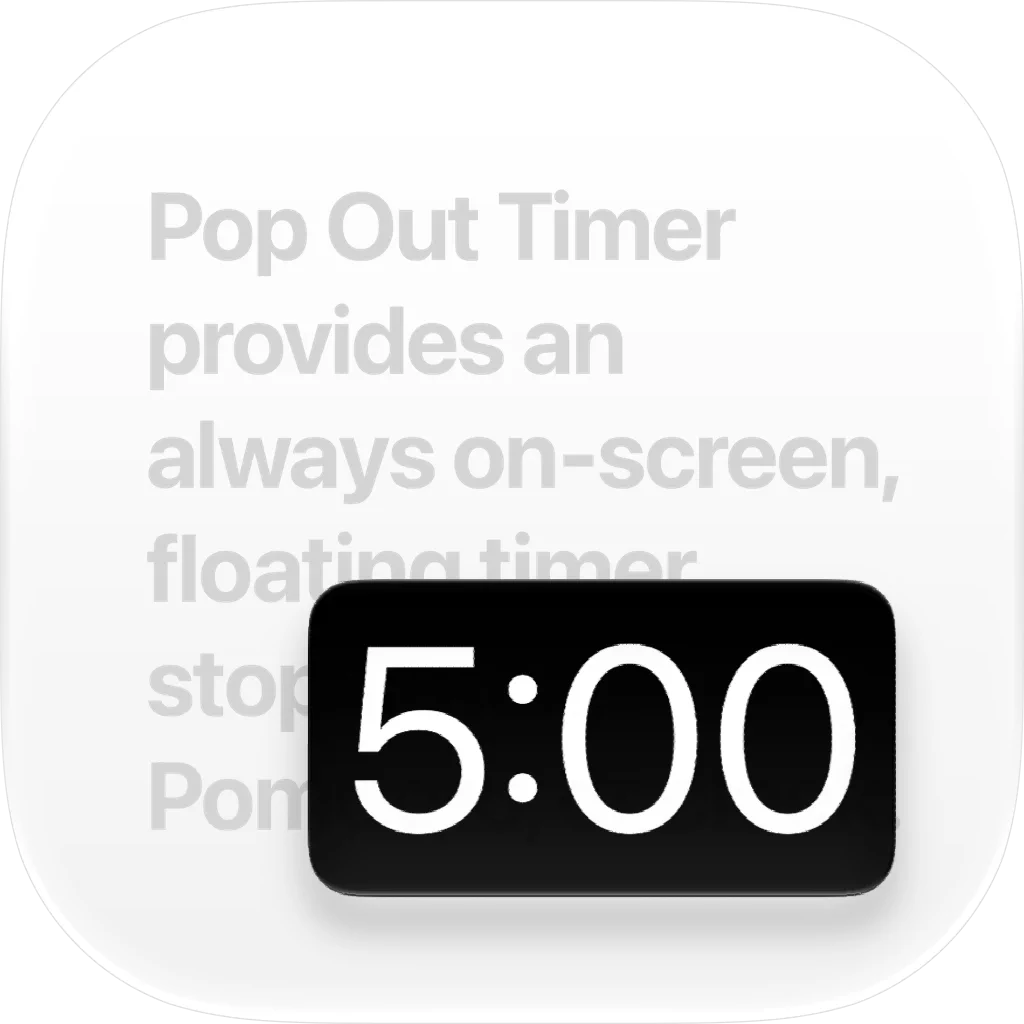
Pop Out Timer uses picture-in-picture to provide an always on-screen, floating timer, stopwatch, pomodoro, or clock. Perfect for presentations, workouts, cooking, studying, or any task that needs precise timing while using a full-screen app. While in picture-in-picture you can move the window around to any corner, flick it off screen, or resize with a pinch. Customize colors, aspect ratios, sounds, and display options to fit the way you work. If you choose to purchase a subscription, payment will be charged to your iTunes account, and your account will be charged for renewal 24 hours prior to the end of the current period. Auto-renewal may be turned off at any time by going to your settings in the iTunes Store after purchase. Terms of use: https://thinktapwork.com/tos.html
Release Notes
App Details
| Size | 30.4 MB |
|---|---|
| Initial release | |
| Price | |
| Platforms | Mac, iPhone, and iPad |
| Languages | Catalan, Croatian, Czech, Danish, Dutch, English, Finnish, French, and 22 more |
| Category | Utilities |
| Website | thinktapwork.com/popouttimer |
| Compatibility | |
|---|---|
| iPhone | Requires iOS 17.6 or later. |
| iPad | Requires iPadOS 17.6 or later. |
| Mac | Requires macOS 15.6 or later. |
More By This Developer
App's data is regularly updated.
Last update: